
 Plugin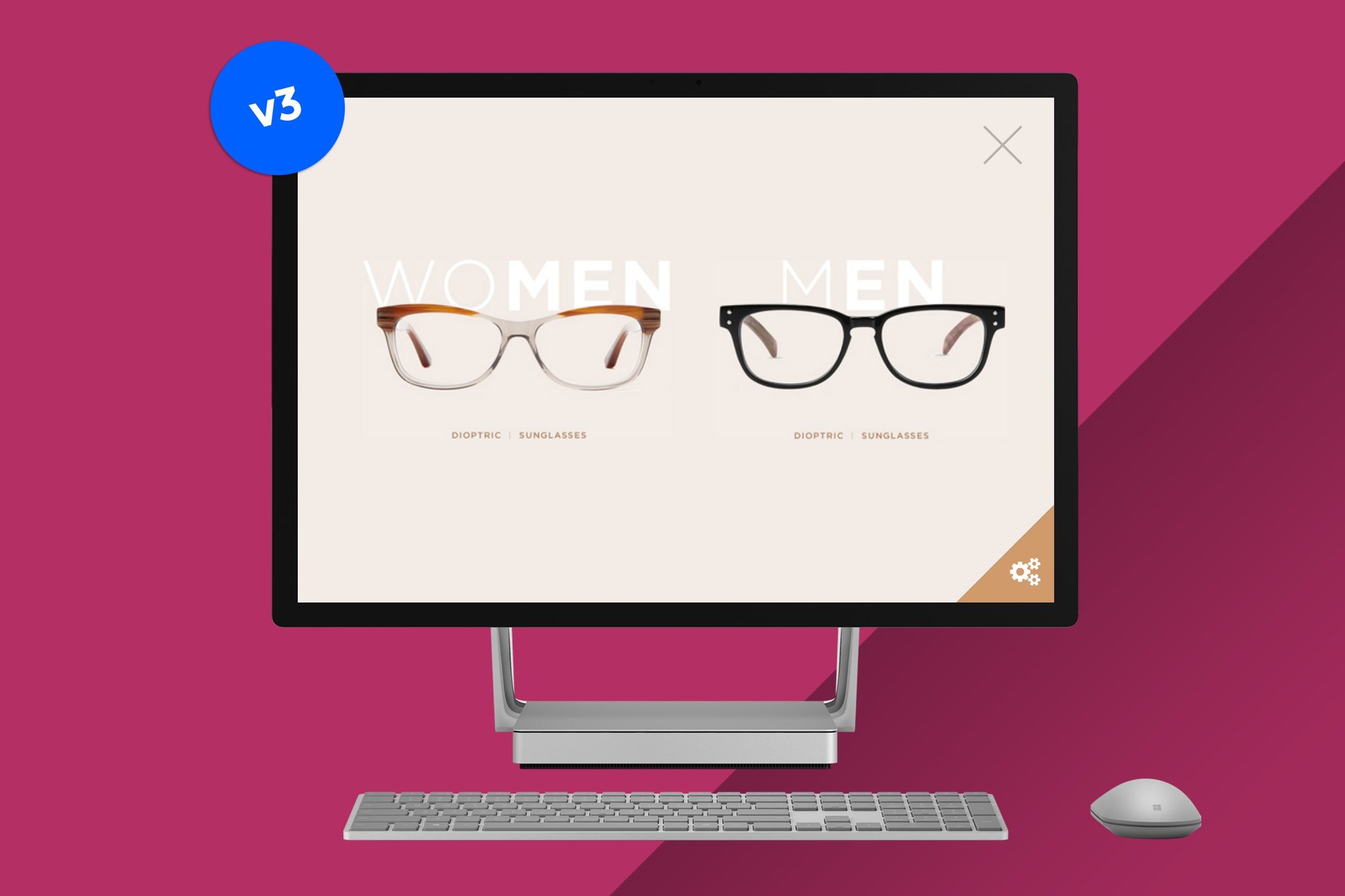
PluginUpdated
Canvas: Show any content in a fullscreen slide
Canvas: Show any content in a fullscreen slide is a WordPress plugin for presenting content in a fullscreen slideout panel.
Product facts
- Version
- 3.0
- Released
- 2 May 2023
- Type
- Plugin
- Licence
- GPL
- Included in
- Every plan, or $3.99 on its own
Overview
A fullscreen panel gives visitors a focused view of selected content, such as a promotion, announcement, or multimedia story. Canvas lets you build that content in the WordPress editor, using text, images, videos, forms, and shortcodes. This gives site owners a way to present varied material in one slideout panel without relying on a preset layout.
The panel is designed to fill the screen and display content without surrounding page distractions. You can shape its contents in the editor as you would a page or post, then use it for campaigns, announcements, portfolios, or other site content. The plugin is suited to WordPress sites that need a fullscreen presentation area for media or interactive content.
Features
- Fullscreen slide panel: Display content in a fullscreen slideout panel that gives visitors a focused view of the material.
- WordPress editor support: Create panel content in the WordPress editor, with the freedom to arrange material rather than work from preset layouts.
- Text and media content: Add text, images, and videos to a slide, making it suitable for promotional material, portfolios, and multimedia presentations.
- Forms and shortcodes: Include forms and shortcodes in the panel for content that goes beyond static text and images.
- Responsive display: The fullscreen content is designed to display across screen sizes, including desktop monitors and smartphones.
- Retina-ready presentation: Retina-ready support helps the panel's content appear sharp on high-resolution devices.
Best for
- WordPress sites running promotional campaigns
- Portfolio sites presenting images and videos
- Sites featuring forms or interactive content
Changelog
Version 3.0
- New New activation button: added new customizable button (classic triangle button also available, complete with the latest version of Font Awesome 5)
- New Added option to disable the Font Awesome icon set (useful when your installation already loads the icon set from another plugin or theme)
- Improved Add custom text
- Improved Change text size
- Improved Use theme fonts
- Improved Add background image (pattern or full size)
- Improved Customize button roundness & border thickness
FAQ
Is Canvas: Show any content in a fullscreen slide free?
The code of Canvas: Show any content in a fullscreen slide is licensed under the GPL, so anyone may use, change and share it. GPL 247 is a paid service: a plan or a purchase of Canvas: Show any content in a fullscreen slide gives you the download and its updates. The developer's own support, licence key and online services are not included.
Which version of Canvas: Show any content in a fullscreen slide is this?
Version 3.0, released 2 May 2023. New versions appear here when the developer publishes them.
How do I update Canvas: Show any content in a fullscreen slide?
Install GPL 247 Updater on your site and paste your key from My Account. It installs new versions of Canvas: Show any content in a fullscreen slide for you.
You might also like
Plugin Plugin
 Plugin
 Plugin
 Plugin
 Plugin
 Plugin
 Plugin