
 Plugin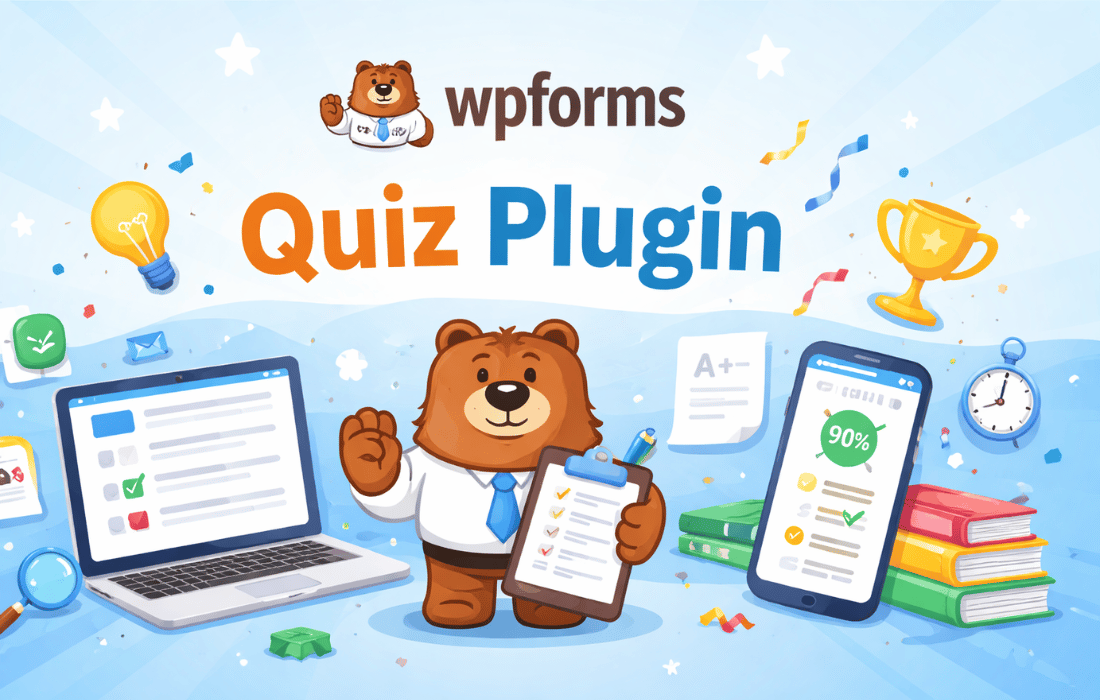
PluginUpdated
WPForms Quiz
WPForms Quiz is a WordPress plugin by WPForms for creating interactive scored and personality quizzes.
Product facts
- Version
- 1.5.0
- Released
- 14 September 2026
- Type
- Plugin
- Licence
- GPL
- Included in
- Every plan, or $1.59 / year on its own
Overview
WPForms Quiz helps site owners add interactive quizzes to WordPress for knowledge checks, personality-based results, and audience feedback. Its drag-and-drop builder lets you create questions without coding, then configure scoring rules or personality outcomes. The plugin suits educators, bloggers, marketers, and businesses that want quiz content as part of their site.
Use customizable results pages to give visitors feedback based on their quiz outcomes. The plugin also collects user information alongside responses, with quiz data available in a centralized dashboard for review. Multiple question formats, including multiple choice, dropdowns, and checkboxes, let you shape quizzes around the information you want to gather.
Features
- Scored and personality quizzes: Create knowledge-based quizzes with scores or personality quizzes that assign outcomes based on a visitor’s answers.
- Drag-and-drop builder: Arrange quiz questions in a visual builder and configure the quiz without writing code.
- Custom results pages: Set up results pages that display feedback or insights based on each visitor’s quiz outcome.
- Response collection: Collect user information alongside quiz responses, keeping submitted details and answers together for review.
- Multiple question formats: Build questions with formats such as multiple choice, dropdowns, and checkboxes to suit different quiz prompts.
- Conditional quiz logic: Adjust quiz flow and outcomes based on user answers to create a more personalized experience.
Best for
- Educators creating knowledge quizzes
- Bloggers publishing personality quizzes
- Businesses gathering audience responses
Changelog
Version 1.5.0 — 8 September 2026
- New Form Builder now flags quiz fields missing a correct answer, personality type, or answer weight, and warns before saving when quiz settings are incomplete.
- Improved The Graded Quiz results graph now reads from the lowest grade range on the left to the highest on the right, matching the Weighted Quiz graph.
- Fixed Graded Quiz answers were scored incorrectly when the Show Values option was enabled for a choice field.
- Fixed The {all_fields} smart tag was not replaced with {quiz_outcome} in notification messages when toggling the quiz on or off if the tag had parameters, e.g. {all_fields exclude="4"}.
- Fixed Spacing was missing between the notification text and the Quiz Outcome in HTML email notifications, making them hard to distinguish.
- Fixed Survey Reporting could be enabled for fields excluded from the Quiz while the Quiz was active, causing both Quiz and Survey charts to appear on the Entries page.
- Fixed The form displayed the Quiz personality title on the frontend after the Quiz Addon was disabled, instead of the original form title.
- Fixed The selected value of the last choice was reset when adding a new option in the Personality Quiz.
- Fixed The Quiz Outcomes Type dropdown listed all quiz types instead of the form's selected type in Safari and Firefox.
- Fixed Enabling Include in Quiz Scoring for a choice field deleted incompatible options, such as Add Other Choice and Dynamic Choices, without warning or a way to undo it.
- Fixed A grade added through the AI form editor could land on the wrong row of the grades table, and existing grades could shift rows.
- Fixed The AI form editor could enable the Quiz while the GDPR Disable User Cookies setting was active, which left the quiz form unable to work on the frontend.
Earlier versions
- 1.4.0 (26 May 2026): 1 new, 1 improved, 1 fixed
- 1.3.0 (17 March 2026): 3 improved, 6 fixed
- 1.2.0 (17 February 2026): 3 improved, 4 fixed
FAQ
Is WPForms Quiz free?
The code of WPForms Quiz is licensed under the GPL, so anyone may use, change and share it. GPL 247 is a paid service: a plan or a purchase of WPForms Quiz gives you the download and its updates. The developer's own support, licence key and online services are not included.
Which version of WPForms Quiz is this?
Version 1.5.0, released 14 September 2026. New versions appear here when the developer publishes them.
How do I update WPForms Quiz?
Install GPL 247 Updater on your site and paste your key from My Account. It installs new versions of WPForms Quiz for you.
More from WPForms
Plugin Plugin
 Plugin
 Plugin
 Plugin
 Plugin
 Plugin
 Plugin