
 Plugin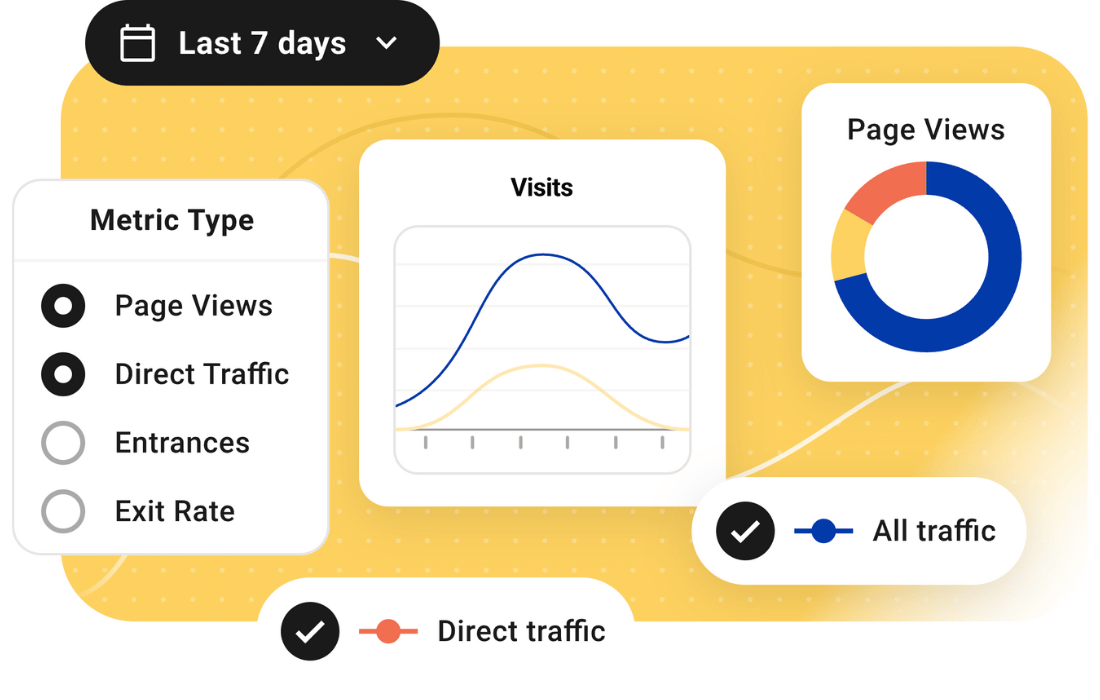
PluginUpdated
WPMU DEV Beehive Pro
WPMU DEV Beehive Pro is a WordPress analytics plugin by WPMU DEV.
Product facts
- Version
- 3.5.3
- Released
- 5 October 2026
- Type
- Plugin
- Licence
- GPL
- Included in
- Every plan, or $4.79 / year on its own
Overview
Beehive Pro displays website analytics inside the WordPress admin area, so you can review traffic and engagement without leaving your site dashboard. It connects with Google Analytics 4 and presents data through reports, charts, and dashboard widgets. This setup suits site owners who want an at-a-glance view of visitor activity, as well as teams that need to check content performance and traffic trends as part of their regular site work.
For WordPress multisite networks, the plugin can provide analytics for individual subsites. It also includes Google Tag Manager management, tracking for ads and referral traffic, and reports on popular content and visitor locations. Dashboard report access can be limited by user role, and IP anonymization helps mask visitor IP information. These tools give agencies, freelancers, and site administrators ways to examine site data and manage tracking from within WordPress.
Features
- Google Analytics 4 reports: Connect Google Analytics 4 to view traffic and engagement data in the WordPress dashboard, with graphs and reports for reviewing site activity.
- Multisite subsite analytics: Review analytics for subsites in a WordPress multisite network, giving network administrators a way to examine performance across their sites.
- Google Tag Manager management: Manage Google Tag Manager and track user interactions and events as part of your site's analytics setup.
- Popular content tracking: See which pages and posts are popular, with support for page paths and post types in the popular content widget.
- Role-based report access: Control which users can view reports and manage analytics by setting access according to their WordPress roles.
- IP anonymization: Use IP anonymization to mask visitor IP information while retaining analytics data for reviewing site activity.
- Ad and referral tracking: Monitor traffic from display ads and referral sources to see how visitors arrive at your site.
Best for
- WordPress site owners tracking traffic
- Agencies managing client analytics
- Multisite network administrators
Changelog
Version 3.5.3 — 5 October 2026
- Improved Updated WPMU DEV Dashboard notification submodule.
- Fixed Beehive connection issue when multiple Google accounts are available.
- Fixed Dashboard widget and Statistics page now respect role permissions.
- Fixed GTM Variables count on Dashboard now includes custom variables.
- Fixed Popular posts widget now handles page paths and post types correctly.
- Fixed Statistics tiles now show data for the correct date range.
- Fixed Date picker presets no longer select a date range that is off by one day.
Earlier versions
- 3.5.1 (5 March 2026): 1 fixed
- 3.5.0 (3 March 2026): 1 new, 6 improved, 15 fixed
- 3.4.18 (25 August 2025): 1 improved, 3 fixed
FAQ
Is WPMU DEV Beehive Pro free?
The code of WPMU DEV Beehive Pro is licensed under the GPL, so anyone may use, change and share it. GPL 247 is a paid service: a plan or a purchase of WPMU DEV Beehive Pro gives you the download and its updates. The developer's own support, licence key and online services are not included.
Which version of WPMU DEV Beehive Pro is this?
Version 3.5.3, released 5 October 2026. New versions appear here when the developer publishes them.
How do I update WPMU DEV Beehive Pro?
Install GPL 247 Updater on your site and paste your key from My Account. It installs new versions of WPMU DEV Beehive Pro for you.
More from WPMU DEV
Plugin Plugin
 Plugin
 Plugin
 Plugin
 Plugin