
 Plugin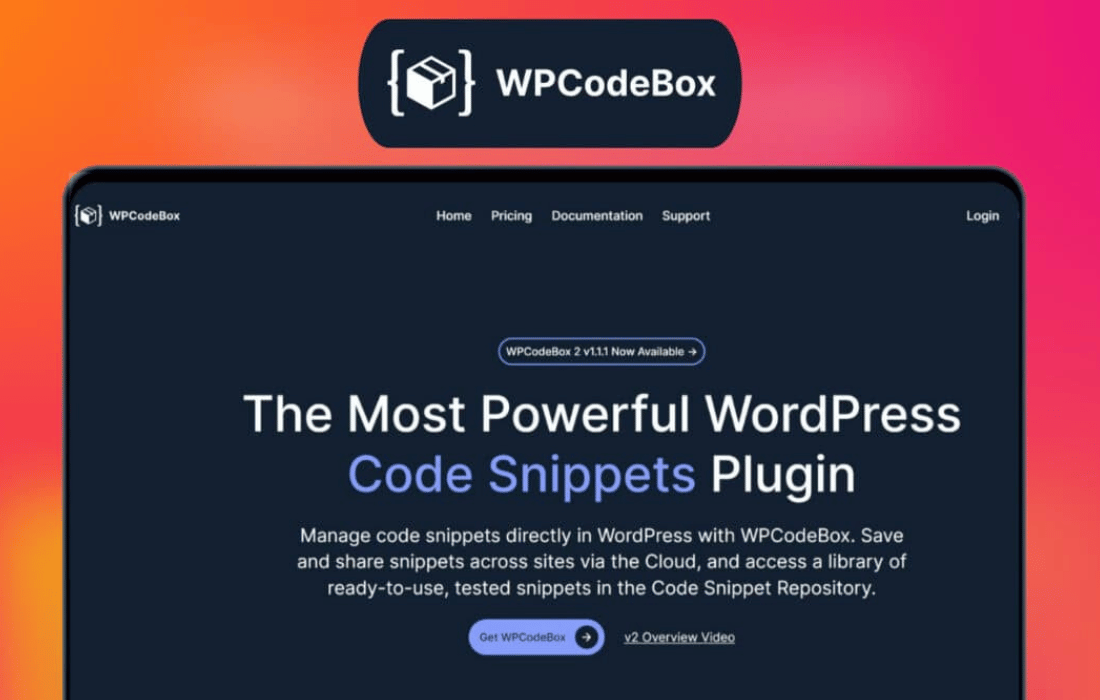
PluginUpdated
WPCodeBox 2
WPCodeBox 2 by WPCodeBox is a WordPress plugin for adding and organizing custom code snippets from your site dashboard.
Product facts
- Version
- 1.4.1
- Released
- 5 October 2026
- Type
- Plugin
- Licence
- GPL
- Included in
- Every plan, or $4.79 / year on its own
Overview
Custom code can add functionality or adjust a WordPress site, but managing snippets across files can be difficult. WPCodeBox 2 provides a central place in the dashboard to create and edit PHP, JavaScript, CSS, and HTML snippets. Its editor includes syntax highlighting, and individual snippets can be activated or deactivated as needed.
The plugin also includes a library of reusable snippets, along with options to import and export snippets between sites. Conditional loading lets you apply snippets to specific pages or conditions. This setup can suit site owners who need occasional code changes as well as developers who want their snippets organized in one place.
Features
- Multiple code types: Create and manage PHP, JavaScript, CSS, and HTML snippets from one place in the WordPress dashboard.
- Syntax highlighting: Edit snippets in an editor that highlights code syntax, making code easier to read while you work.
- Reusable snippet library: Use the included library of pre-built snippets as a starting point for common site functionality.
- Individual snippet controls: Activate or deactivate snippets individually to control which custom code runs on your site.
- Conditional loading: Set snippets to load on specific pages or under selected conditions, rather than across the entire site.
- Import and export: Transfer snippets between sites or export them to keep a separate copy of your custom code.
Best for
- WordPress site owners managing custom code
- Freelancers maintaining client websites
- Developers organizing site snippets
Changelog
Version 1.4.1 — 22 September 2026
- Fixed Generated MCP configurations now use a stable server name based on each site's URL, including subsites and different ports. Setup prompts preserve other sites' connections and check for existing names before adding a server.
- Fixed MCP setup prompts now include the selected client's configuration and explain how to set up Claude Desktop when the assistant cannot access local files. Added JSON merge instructions and local credential guidance instead of promising automatic setup.
- Improved PHP snippets set to "Manual (On Demand)" now show a small play badge on their icon in the editor sidebar and Snippet Manager.
- Fixed Editing a snippet from the Snippet Manager now opens the requested snippet instead of restoring the previous selection, including when local and cloud lists finish loading in either order.
- Fixed Restored the public PHP API's execution-by-ID behavior for integrations such as WP All Import. `Api::runSnippet()` can again execute Function Editor snippets set to "Do not run", so import helper functions are available without changing existing snippets. The editor Run endpoint and MCP run tool continue to require "Manual (On Demand)" snippets.
- Fixed Local folder drag-and-drop order now saves when the drag ends, including drops onto titles or icons. Cloud folder IDs are excluded from local saves, the editor keeps its folder state synchronized, and failed saves show an error and reload the saved order.
- Fixed Fixed the Safe Mode link on the fatal-error screen.
- Fixed External-token execution now respects safe mode. Newly generated Functionality Plugins also use the improved recovery URL handling.
- Fixed Fatal errors in callbacks registered by snippets can now be attributed after the initial snippet execution has finished, so the responsible snippet is disabled on shutdown. Unrelated failures are not attributed to the last snippet that ran, and direct snippet errors retain their editor line numbers.
- Fixed MCP `wpcodebox_list_snippets` now includes every snippet in its flat `snippets` array, including snippets inside folders. The folder index remains available, and snippet `folderId` values are returned as integers.
- Fixed MCP calls now preserve actionable errors for missing snippets, permissions, invalid hooks and conditions, invalid folder names, and snippets that cannot be run on demand. Unexpected internal exception details remain hidden.
Earlier versions
- 1.3.0 (9 January 2025): 5 new, 8 improved, 6 fixed, 1 security
- 1.2.1: 4 fixed
- 1.2.0: 2 new, 2 improved, 8 fixed
FAQ
Is WPCodeBox 2 free?
The code of WPCodeBox 2 is licensed under the GPL, so anyone may use, change and share it. GPL 247 is a paid service: a plan or a purchase of WPCodeBox 2 gives you the download and its updates. The developer's own support, licence key and online services are not included.
Which version of WPCodeBox 2 is this?
Version 1.4.1, released 5 October 2026. New versions appear here when the developer publishes them.
How do I update WPCodeBox 2?
Install GPL 247 Updater on your site and paste your key from My Account. It installs new versions of WPCodeBox 2 for you.
You might also like
Plugin Plugin
 Plugin
 Plugin
 Plugin
 Plugin
 Plugin
 Plugin