
 Plugin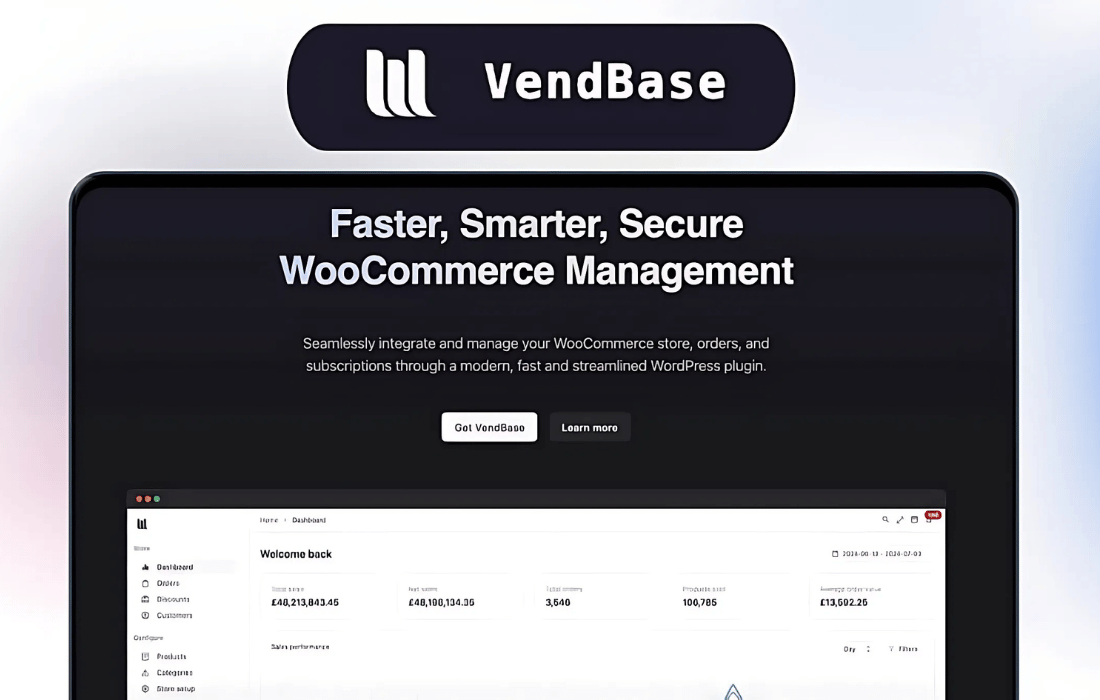
PluginUpdated
VendBase (Formerly WooBase)
VendBase (Formerly WooBase) by woobase is a WordPress plugin for managing a WooCommerce store through a customizable dashboard.
Product facts
- Version
- 2.0.0
- Released
- 1 September 2026
- Type
- Plugin
- Licence
- GPL
- Included in
- Every plan, or $4.79 / year on its own
Overview
WooCommerce store owners often need to move between different areas of the admin to check orders, review sales, and manage products. VendBase brings store management tools and data into a dashboard that can be arranged around a merchant’s workflow. Live order updates help users follow order activity, while analytics provide reports on sales performance, customer behavior, and product trends.
The plugin includes display and workspace options for day-to-day store management. Users can choose dark mode, refresh dashboard data automatically, and use the interface on desktops, tablets, or smartphones. White-label options let businesses align the plugin interface with their brand. Product list controls also support inline stock quantity and status edits, including switching backorder and out-of-stock status.
Features
- Customizable dashboard: Arrange dashboard widgets and shortcuts to keep commonly used store tools and data accessible in a workspace shaped around your workflow.
- Live order updates: Follow order activity with live updates as orders are placed, processed, and fulfilled.
- Store analytics: Review reports covering sales performance, customer behavior, and product trends from the dashboard.
- Inline stock editing: Edit product stock quantity and status from the products list, including switching to backorder or out-of-stock status.
- Dark mode: Use a dark interface option while working in the store management dashboard.
- White-label options: Adjust the plugin interface branding to align it with your business identity for your team or clients.
- Automatic dashboard refresh: Keep dashboard data current with automatic refreshes, without manually reloading the page.
Best for
- WooCommerce store owners
- Merchants managing product stock and orders
- Agencies handling client WooCommerce stores
Changelog
Version 2.0.0
- Fixed Switches now bind with Reka v2 `v-model` and still accept the older `checked` API
- New Stock status on the products list is clickable for inline quantity and status edits
- Fixed Products list stock popover keeps status icons compact and can switch backorder and out of stock without changing quantity
- New Small screens now show a top toolbar with logo, search, and a menu toggle that opens the admin menu in a drawer
- New Refund modal now uses the shadcn dialog, fields, inputs, switch, and buttons
- New Refund modal now uses the shadcn dialog, fields, inputs, switch, and buttons
- Fixed Frontend VendBase page dequeues theme, plugin, and global styles so they cannot leak into the app
- Fixed Custom view builder field search now filters the available-fields list
- New Custom view fields can be dragged from the palette onto a section
- Fixed Custom report presets now add a report card instead of no-oping when `custom_reports` is not an array
- Fixed Expanded admin menu links stay inside the padded rail so active pills keep rounded right edges
- Fixed Collapsed admin menu now uses a fixed icon rail so nav, header, and footer icons stay centered and the active pill is no longer clipped
- Fixed Collapsed admin menu footer icons now share the same centered rail as the nav items
- Fixed Plugin settings now use centered settings cards split into Licence, Menu, Print, Notifications, Customization, and WooCommerce editors
- Fixed Page picker now uses the same searchable shadcn multi-select as linked products
- Fixed Custom view builder now uses the shadcn dialog, inputs, selects, checkboxes, and badges
- Fixed Custom view fields now use the settings card with shadcn inputs, switches, textareas, and selects
- Fixed Subscription editor fields now use shadcn inputs, selects, switches, textareas, and the calendar popover
- Fixed Zone editor fields now use shadcn inputs, textareas, and selects
- Fixed Zone country picker now matches the other searchable multi-selects
- Fixed Global search now uses the shadcn command dialog with keyboard hints
- Fixed Global search shows WooCommerce products, orders, and customers instead of hiding remote hits behind Command's local filter
- Fixed Cmd/Ctrl+K opens VendBase search only and no longer also opens the WordPress command palette
- Fixed Review editor fields now use shadcn inputs, selects, the calendar popover, and the product picker
- Fixed Category editor fields now use shadcn inputs, selects, and the category picker
- Fixed Attribute and term fields now use shadcn inputs and selects
- Fixed Customer billing and shipping fields now use shadcn inputs
- Fixed Country picker now uses the shadcn combobox so countries can be searched
- Fixed Discount editor fields now use shadcn inputs, selects, switches, tags, and the calendar popover
- Fixed Product category and excluded category pickers now match the linked-product multiselect
- Fixed Variation now uses the full-width data table with compact inline stock and price editing
- Fixed Email templates stay inside the Emails section and open in a modal instead of filling the sidebar
- Fixed Store setup now uses the same split-view as products and orders — sections on the left, settings on the right
- Fixed Settings fields now use shadcn inputs, selects, switches, radios, textareas, and multi-selects
- Fixed Setting rows use the same centered settings card as product and order sections
- Fixed Report and interval pickers now use the shadcn select at the same height as the date range control
- Fixed Settings button in dashboard now uses shadcn Popover with Checkbox rows; date range trigger matches the button height
- Fixed Status icons built into status tags with built-in variants where they fit, custom colors via `bg-*-50` / `dark:bg-*-950`
- Fixed Content-view page titles added on list pages (Products, Orders, Customers, etc.) so each page owns its heading instead of the app wrapper
- Fixed Replaced the custom product status filter buttons with the shadcn Tabs component
- Fixed Order status filter matched to the same shadcn Tabs component used on products
- Fixed Standardized button sizing — AppButton now defaults to the shadcn default size, and redundant `text-sm` / `text-base` class overrides were removed from button call sites
- Fixed Unchecked UI shows `border-input` instead of `border-primary` for UI/Checkbox
- Fixed Unchecked radios now use `border-input` as well, matching current shadcn token usage
- Fixed Replaced the filters context menu with a reusable shadcn table-settings hub (saved views, columns, filter builder, sort, density). Orders uses the condition builder first; other tables keep their existing filter slots inside the new UI
- Fixed Open the settings menu with `position: fixed` (same pattern as the existing context menu) so Chrome no longer clips or immediately dismisses it inside the shadow root
- Fixed Added a reusable `AppPortal` that mounts Reka/Vue overlays into `#vendbase-portal-root` inside the shadow tree so selects, dropdowns, dialogs, and tooltips keep app styles
- Fixed Select/popover/dropdown menus now stay next to their trigger with `position: absolute` — Chrome treats `position: fixed` inside the shadow root as host-relative, which placed the list off-screen
- Fixed Compact, default, and comfortable now change header height and row padding — AppTable owns density and the settings hub writes to the same ref
- Fixed Customer filter now uses a shadcn combobox (searchable popover + command list) and truncates the selected name so the row stays inside the panel
- Fixed OR between conditions now returns the union of matches (AND still requires every condition). WooCommerce REST only supports AND, so OR groups are resolved server-side
- Fixed Replaced the status select and filter flyouts with a Vercel-style bar — left-aligned Add Filter, dashed chips, and one reusable dropdown for field then value (status is a filter now)
- Fixed The Add Filter search now matches statuses, customers, dates, views, columns, sort, and density — and table settings live in that same dropdown instead of the tune hub
- Fixed Custom Date Range now opens as its own dropdown step with a full calendar; the header returns to the date presets
- Fixed Replaced the VueDatePicker custom range calendar with the shadcn-vue Range Calendar
- Fixed Moved the New order button onto the page title row, right-aligned
- Fixed Narrowed the search input and placed left-side filters to its right so search and filter chips share one toolbar row
- Fixed Renamed the Add Filter trigger to Table settings so the label matches filters, views, columns, sort, and density
- Fixed Restored the filter icon on the Table settings button
- Fixed Softened the Table settings button radius to `rounded-md` to match the search input
- Fixed Revenue chart can plot any supported analytics metric, not just net, gross, and orders
- Fixed Revenue chart can overlay multiple metrics at once, with a second scale when counts sit next to currency
- Fixed Revenue chart tooltip now renders on the card instead of being clipped by the chart overflow
- Fixed Removed the empty left margin on the revenue chart so the series uses the full plot width
- Fixed Replaced the table/kanban view switcher with the shadcn Tabs component
- Fixed Custom columns (and AppModal) now stay in the shadow tree with `position: fixed`, matching table settings — Chrome was teleporting the overlay out of the app and dismissing it on the same click
- Fixed Removed the solid background on sticky checkbox and first-data columns so they match the rest of the row
- Fixed Upgraded Vite from 7 to 8 (Rolldown + Oxc), migrated `rollupOptions` to `rolldownOptions`, and updated Tailwind to 4.3 for Vite 8 peer support
- Fixed Updated dashboard cards to match the uiXpress card design — compact p-1 frames, title + info tooltip headers, inner rounded content panels, header meta dots, and list progress bars
- Fixed Restyled the sales performance chart to match uiXpress — single-metric area chart with dotted grid, gradient fill, header total, and Net/Gross/Orders toggles
- Fixed Left-aligned KPI card values, moved the period-change badge under the primary stat, and dropped inner titles like "Gross revenue"
- Fixed Amounts now use Intl narrow symbols for every currency
Earlier versions
- 1.1.1: 1 new, 2 fixed
- 1.1.0: 23 new, 51 improved, 12 fixed
- 1.0.21 (12 December 2025): 2 improved, 1 fixed
FAQ
Is VendBase (Formerly WooBase) free?
The code of VendBase (Formerly WooBase) is licensed under the GPL, so anyone may use, change and share it. GPL 247 is a paid service: a plan or a purchase of VendBase (Formerly WooBase) gives you the download and its updates. The developer's own support, licence key and online services are not included.
Which version of VendBase (Formerly WooBase) is this?
Version 2.0.0, released 1 September 2026. New versions appear here when the developer publishes them.
How do I update VendBase (Formerly WooBase)?
Install GPL 247 Updater on your site and paste your key from My Account. It installs new versions of VendBase (Formerly WooBase) for you.
You might also like
Plugin Plugin
 Plugin
 Plugin
 Plugin
 Plugin
 Plugin
 Plugin