
 Plugin
PluginUpdated
Slider Revolution
Slider Revolution by ThemePunch is a WordPress plugin for creating sliders, carousels, and animated visual presentations.
Product facts
- Version
- 7.2.7
- Released
- 30 October 2026
- Type
- Plugin
- Licence
- GPL
- Included in
- Every plan, or $5.59 on its own
Overview
Slider Revolution gives you a way to add animated visual content to WordPress pages. Use its editor to arrange slides and layers, then add images, videos, text, or buttons to build a presentation. The plugin suits projects such as portfolio displays, promotions, and brand stories, where a series of visuals can communicate information on a page.
Start with a customizable slider or carousel template, or build a presentation in the visual editor. Animation and transition effects add movement between slides and layers, while layer customization lets you adjust elements individually. Slider Revolution is designed to work with WordPress themes and supports responsive layouts for viewing on different device sizes.
Features
- Visual drag-and-drop editor: Arrange slides and their content in a visual editor using drag-and-drop controls, with no coding required to create a presentation.
- Customizable templates: Begin with slider and carousel templates, then customize their content and appearance to suit a portfolio, promotion, or story.
- Multiple media types: Add images, videos, text, and buttons to slides, giving you several ways to present information and visual content.
- Animation and transitions: Apply animation and transition effects to slides and their content to create movement within a slider or carousel.
- Individual layer controls: Customize layers independently, including their positioning, timing, and styling, for more precise control over slide elements.
- Module import and export: Import and export modules with their associated files, including media and other assets used within the module.
Best for
- WordPress portfolio sites
- Businesses presenting promotions
- Designers creating animated page content
Changelog
Version 7.2.7 — 29 October 2026
- New Layer animations: your own presets. My Presets at the top of the animation browser saves a layer's In, Out or Loop animation, and applies, renames, overwrites or deletes it on any layer
- New Crystal Glass, a new add-on: a diamond, crystal, sphere or your own icon in glass turns in front of your layers and bends them, in eight materials, with a light that follows the pointer
- Fixed On some Apache hosts, modules and slides loaded with Smart Loading stayed empty with an HTTP 411 error. They load again, with nothing to re-save
- Fixed Touch swipe did not change slides when the finger started on a layer with a click action, such as one that opens a modal. Swiping works over these layers now, a tap still runs the action
- Fixed Link actions: a relative link such as /contact/ opened a wrong address like https://contact/. It stays on your own site now, with nothing to re-save
- Fixed A module whose wrapper class held several class names, separated by spaces, stayed black and did not load. Each class is added now
- Fixed Facebook and Instagram streams: a long token ran under the Connect Here link in the token field. It stops above the link now
- Fixed Quick Edit: an Undo or Redo after saving was never saved, so the module kept what you had undone. It is saved with the next save now
- Fixed Quick Edit: a text the AI assist wrote kept its AI mark in the module after you rewrote it. Your own edit removes the mark now
- Fixed Quick Edit: a link set on a button that already had a click action, such as Scroll Below Module, came beside it, so one click did both. The link replaces it now
- Fixed Quick Edit: after Replace Video the page showed the old poster until the new film played. The poster drawn from the new film is saved with it now
- Fixed Quick Edit: one colour pick could make two Undo steps, and the second changed nothing. One pick is one step now
- Fixed Quick Edit: a duplicated slide came at the end instead of right after its slide, and Duplicate could not be undone. The copy comes right after it now, and Undo takes it away
- Fixed Video posters made in the editor or in Quick Edit added a new Media Library entry on every save, and a poster could show another picture of the same name. Each picture is stored once now, under its own name
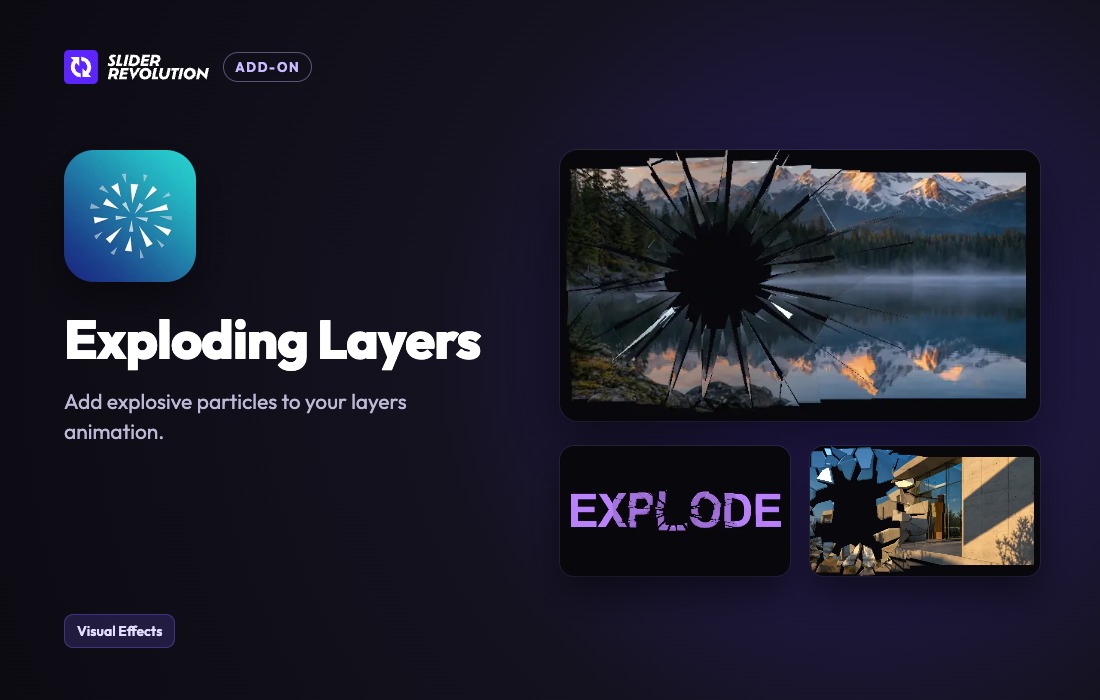
- Fixed Exploding Layers: turning the effect on opened the preset browser on its last page. It opens on page one now, with Classic Burst first
- Fixed Lottie: a file picked from the library or chosen on the Lottie tab played up to ten times too fast, at a fixed 917 ms. It plays at its own pace now. Layers built before keep their Duration, change it on the Lottie tab
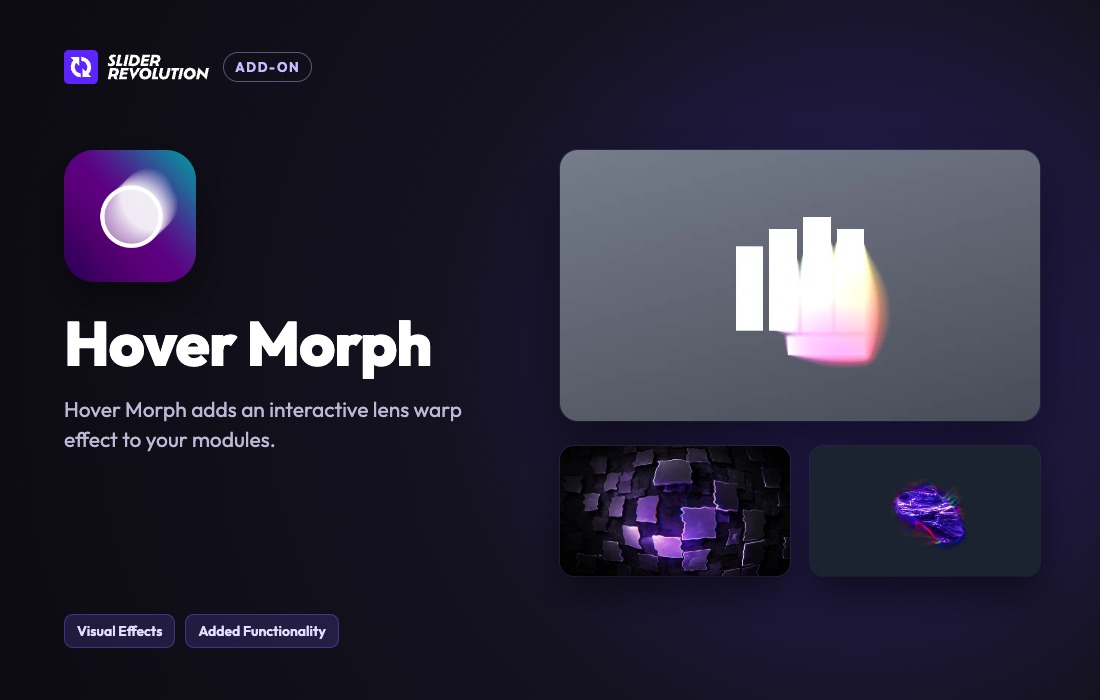
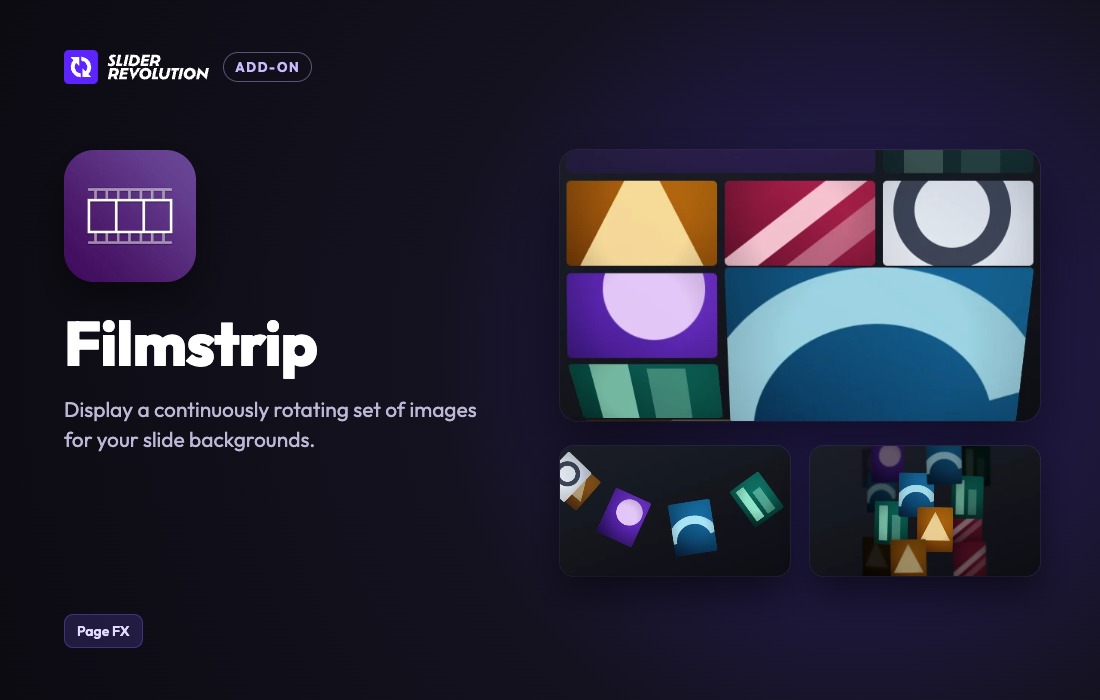
- Fixed Hover Morph and Filmstrip: without a valid licence their blocks in a page vanished. They show their pictures now, and the effect starts once the site is registered
- Fixed A module removed through its API or an AJAX page transition could keep throwing console errors: while it was still starting, and in Safari and Firefox also once it ran. It stops cleanly now
- Fixed Image optimization: on servers with Imagick, slide pictures could show as empty, because their optimized copies came out fully transparent. Re-save the module once and the copies are made again correctly
- Fixed Layer animations: Effects (WebGL) added as an animation target stayed hidden among the targets until it was added a second time. It shows right away now
- Fixed Layer animations: the Backdrop Filter Cont. field of the Filter target went back to 0 and was not kept. It sets the backdrop contrast now, in percent like the other filters
- Fixed Counter: with three or more decimals Rolling Digits showed a wrong number beside an empty space, and a layer text like 3.1415 lost its decimal point. Decimals added to 12.500 now give 12.500,00 instead of 12.500.00
- Fixed Counter: Rolling Digits showed zeros for a Compact number with a suffix, such as 12.5k+, and a wrong number for one written as 500k. Both roll to their number now
- Fixed Editor: Save and Leave in the prompt for unsaved changes closed it without saving, and the page stayed. It saves the module and leaves once the save is done now
- Fixed Layer animations: Respect Margin Offsets in the X and Y position popup switched itself off again, and the Wrapper target forgot Self, Parent or Stage. Both are kept now
- Fixed Slide transitions: an arrow clicked during a transition longer than a second, as many Transition Pack ones are, started the next slide on top of it and left it half drawn. The click now waits for the transition to end
- Fixed Slide settings: HTML Data, DeepLink ID and Attribute were never written onto the slide on the page. They are now, as name="value" pairs, without event handlers
- Fixed Liquid Glass: a Scene lens at the edge of the slide bent the page's colour into the glass. It bends the slide's own colour there now
- Fixed Video Effects: on a YouTube or Vimeo film, Glow and Looks could be switched on and did nothing. They show locked there now, and the (i) says they need an MP4 or WebM film
Earlier versions
- 7.2.6 (26 October 2026): 4 new, 1 improved, 9 fixed
- 7.2.5 (26 October 2026): 9 new, 4 improved, 44 fixed, 4 security
- 7.2.4 (13 October 2026): 3 improved, 10 fixed
FAQ
Is Slider Revolution free?
The code of Slider Revolution is licensed under the GPL, so anyone may use, change and share it. GPL 247 is a paid service: a plan or a purchase of Slider Revolution gives you the download and its updates. The developer's own support, licence key and online services are not included.
Which version of Slider Revolution is this?
Version 7.2.7, released 30 October 2026. New versions appear here when the developer publishes them.
How do I update Slider Revolution?
Install GPL 247 Updater on your site and paste your key from My Account. It installs new versions of Slider Revolution for you.
More from ThemePunch
Plugin Plugin
Slider Revolution Lottie Addon
ThemePunch
 Plugin
Slider Revolution Liquid Glass Addon
ThemePunch
 Plugin
Slider Revolution Hover Morph Addon
ThemePunch
 Plugin
Slider Revolution Filmstrip Addon
ThemePunch
 Plugin
Slider Revolution Exploding Layers Addon
ThemePunch
 Plugin
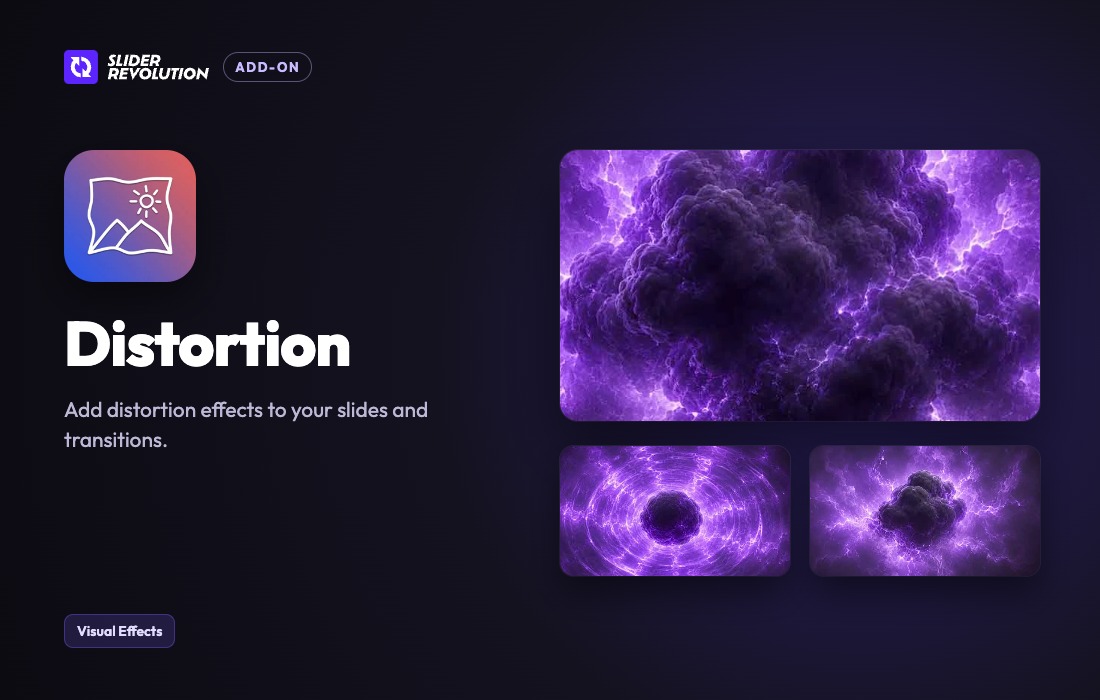
Slider Revolution Distortion Addon
ThemePunch
 Plugin
Slider Revolution AI Translate Addon
ThemePunch