
 Plugin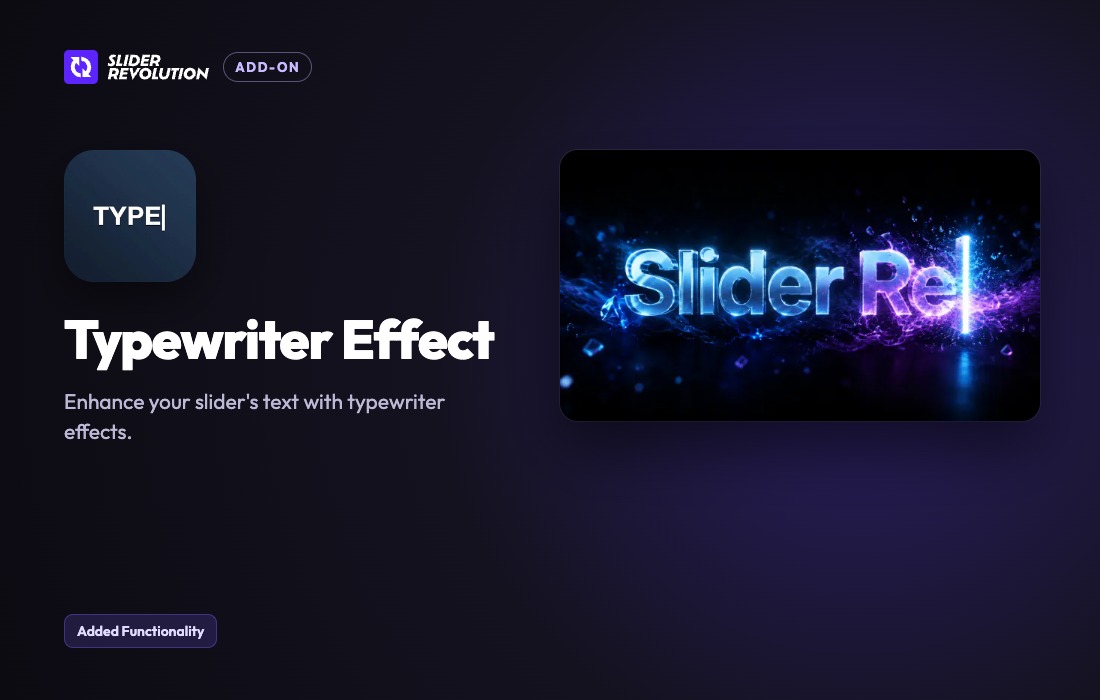
PluginUpdated
Slider Revolution Typewriter Effect Addon
Slider Revolution Typewriter Effect Addon by ThemePunch is an add-on for Slider Revolution 7.
Product facts
- Version
- 7.2.5
- Released
- 27 October 2026
- Type
- Plugin
- Licence
- GPL
- Included in
- Every plan
Overview
This add-on brings typewriter-style animation to text layers in Slider Revolution 7. Use it to give a headline, quote, or call to action a typing effect within a slider. The animation can suit storytelling, product launch slides, and informational content, adding motion to text while keeping it part of the slider presentation.
Typing speed, delay, and cursor style can be adjusted in the Slider Revolution settings panel. The add-on also offers different cursor designs and typing effects, along with loop and pause options. It works alongside other text and image animations in Slider Revolution, so animated typing can fit into a larger slide composition.
Features
- Adjust typing speed: Set the typing speed and delay for an animation, and preview changes to those settings in the editor.
- Choose cursor styles: Select from multiple blinking cursor designs to suit the look of the animated text in a slide.
- Select typing effects: Use different typing animation styles to give slider text a presentation that fits the content.
- Set loops and pauses: Choose continuous typing loops or add pauses to control the timing and readability of animated text.
- Combine slide animations: Use the typewriter effect alongside other Slider Revolution text and image animations in a slide presentation.
- Edit in Slider Revolution: Configure the effect through the Slider Revolution settings panel, with controls for animation speed, delay, and cursor style.
Best for
- Slider Revolution 7 website owners
- Designers building story-led slider presentations
- Sites featuring product launch slides
Changelog
Version 7.2.5 — 26 October 2026
- Fixed After an Undo or Redo the stage kept showing the change you had undone. It follows Undo and Redo now.
- Fixed Editor: changing the speed and delay fields or the cursor switches showed an error in the browser console and did not refresh the typing preview. It updates at once now.
- Fixed Editor: opening the Slide Settings of another slide while a Typewriter layer was selected showed an error in the browser console. It opens cleanly now.
FAQ
Is Slider Revolution Typewriter Effect Addon free?
The code of Slider Revolution Typewriter Effect Addon is licensed under the GPL, so anyone may use, change and share it. GPL 247 is a paid service: a plan gives you the download and its updates. The developer's own support, licence key and online services are not included.
Which version of Slider Revolution Typewriter Effect Addon is this?
Version 7.2.5, released 27 October 2026. New versions appear here when the developer publishes them.
How do I update Slider Revolution Typewriter Effect Addon?
Install GPL 247 Updater on your site and paste your key from My Account. It installs new versions of Slider Revolution Typewriter Effect Addon for you.
More from ThemePunch
Plugin Plugin
Slider Revolution Lottie Addon
ThemePunch
 Plugin
Slider Revolution Liquid Glass Addon
ThemePunch
 Plugin
Slider Revolution Hover Morph Addon
ThemePunch
 Plugin
Slider Revolution Filmstrip Addon
ThemePunch
 Plugin
Slider Revolution Exploding Layers Addon
ThemePunch
 Plugin
Slider Revolution Distortion Addon
ThemePunch
 Plugin
Slider Revolution AI Translate Addon
ThemePunch