
 Plugin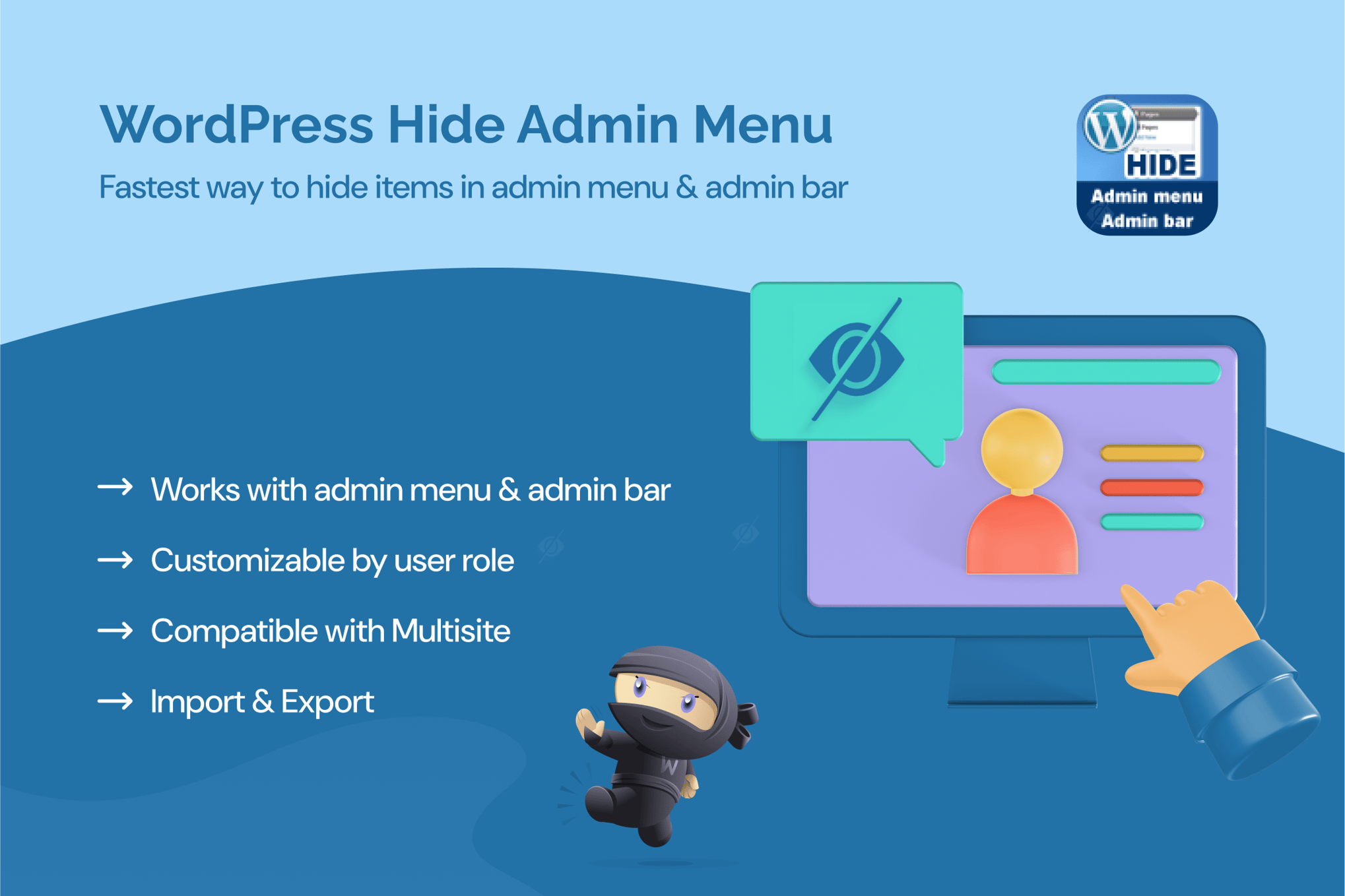
PluginUpdated
WordPress Hide Admin Menu Plugin
WordPress Hide Admin Menu Plugin is a WordPress plugin for tailoring which admin menu items users can see.
Product facts
- Version
- 3.1.0
- Released
- 21 January 2026
- Type
- Plugin
- Licence
- GPL
- Included in
- Every plan, or $3.99 on its own
Overview
WordPress dashboards can show menu items that are irrelevant to some users. This plugin lets administrators hide selected admin menu items based on user roles, so each group sees a dashboard suited to its tasks. It can help simplify navigation on team sites, client sites, and blogs with multiple users.
Configure menu visibility through the plugin's settings panel, choosing which items to hide for roles such as administrators, editors, authors, contributors, or subscribers. The role-based controls also apply to WordPress multisite networks, where administrators can manage menu visibility across sites and user roles.
Features
- Role-based visibility: Hide selected admin menu items for different user roles, tailoring the dashboard menus to the people who use them.
- Settings panel: Configure which menu items are visible through a settings panel, with no coding required.
- Focused dashboard: Remove menu items that users do not need, helping keep the admin area focused on relevant tasks and content.
- Named role controls: Set visibility for roles including administrators, editors, authors, contributors, and subscribers.
- Multisite support: Manage admin menu visibility across sites and user roles in a WordPress multisite network.
Best for
- WordPress sites with multiple user roles
- Agencies managing client dashboards
- WordPress multisite networks
Changelog
Version 3.1.0 — 25 December 2025
- Improved Latest WordPress 6.9 compatibility Check
Earlier versions
- 3.0.10 (15 April 2025): 2 fixed
FAQ
Is WordPress Hide Admin Menu Plugin free?
The code of WordPress Hide Admin Menu Plugin is licensed under the GPL, so anyone may use, change and share it. GPL 247 is a paid service: a plan or a purchase of WordPress Hide Admin Menu Plugin gives you the download and its updates. The developer's own support, licence key and online services are not included.
Which version of WordPress Hide Admin Menu Plugin is this?
Version 3.1.0, released 21 January 2026. New versions appear here when the developer publishes them.
How do I update WordPress Hide Admin Menu Plugin?
Install GPL 247 Updater on your site and paste your key from My Account. It installs new versions of WordPress Hide Admin Menu Plugin for you.
You might also like
Plugin Plugin
 Plugin
 Plugin
 Plugin
 Plugin
 Plugin
 Plugin