
 Plugin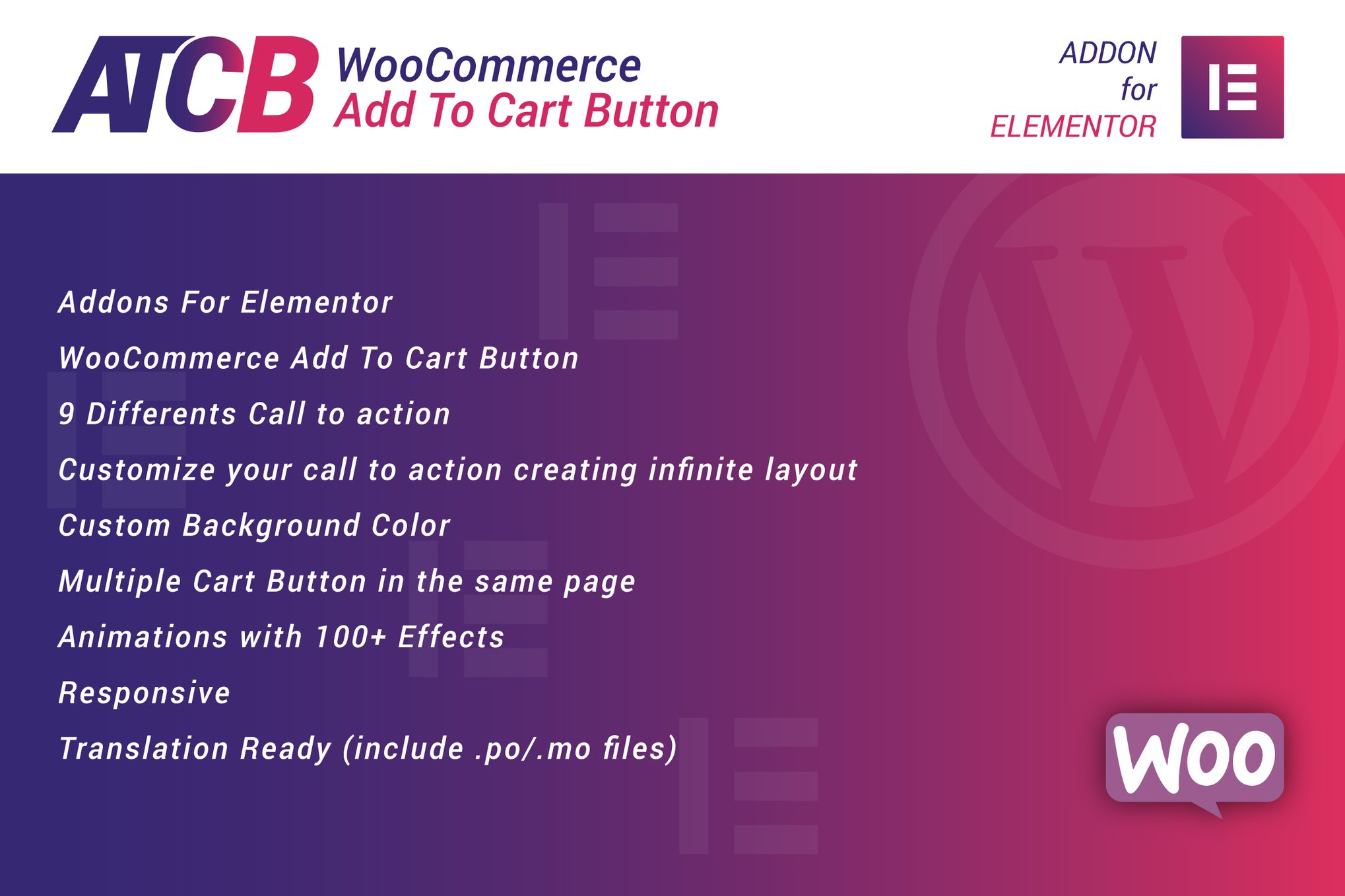
PluginUpdated
WooCommerce Add To Cart Button for Elementor
WooCommerce Add To Cart Button for Elementor is a WordPress plugin for WooCommerce stores built with Elementor.
Product facts
- Version
- 1.0
- Released
- 2 May 2023
- Type
- Plugin
- Licence
- GPL
- Included in
- Every plan, or $3.99 on its own
Overview
The plugin gives store owners a way to place WooCommerce add-to-cart buttons within Elementor pages and sections. Choose from pre-designed call-to-action styles, then adjust the layout and background color to suit the store's design. Multiple buttons can appear on the same page, which is useful for pages that present several products.
Button animation options provide another way to customize how the buttons appear, with more than 100 effects available. The buttons are responsive and retina-ready, and the plugin includes .po and .mo files for translation. It suits WooCommerce store owners and site creators who want to manage button design through Elementor.
Features
- Elementor page placement: Add WooCommerce cart buttons to Elementor pages or sections, so shoppers can reach a product's cart action within the page layout.
- Pre-designed styles: Choose from nine call-to-action button styles as a starting point for the appearance of cart buttons in your store.
- Custom layouts: Adjust button layouts to fit the design of a page, with options for creating different call-to-action arrangements.
- Background colors: Set custom background colors for buttons to coordinate them with the color palette used across your store.
- Multiple page buttons: Place multiple add-to-cart buttons on one page, useful for layouts that display several products or product options.
- Animation effects: Choose from more than 100 animation effects to control how an add-to-cart button appears to visitors.
- Responsive display: Buttons are designed to display across screen sizes and on high-resolution screens, with retina-ready visuals.
- Translation files: The plugin includes .po and .mo files to support translation of its text for multilingual store setups.
Best for
- WooCommerce stores using Elementor
- Store owners customizing product pages
- Freelancers building WooCommerce pages
FAQ
Is WooCommerce Add To Cart Button for Elementor free?
The code of WooCommerce Add To Cart Button for Elementor is licensed under the GPL, so anyone may use, change and share it. GPL 247 is a paid service: a plan or a purchase of WooCommerce Add To Cart Button for Elementor gives you the download and its updates. The developer's own support, licence key and online services are not included.
Which version of WooCommerce Add To Cart Button for Elementor is this?
Version 1.0, released 2 May 2023. New versions appear here when the developer publishes them.
How do I update WooCommerce Add To Cart Button for Elementor?
Install GPL 247 Updater on your site and paste your key from My Account. It installs new versions of WooCommerce Add To Cart Button for Elementor for you.
You might also like
Plugin Plugin
 Plugin
 Plugin
 Plugin
 Plugin
 Plugin
 Plugin