
 Plugin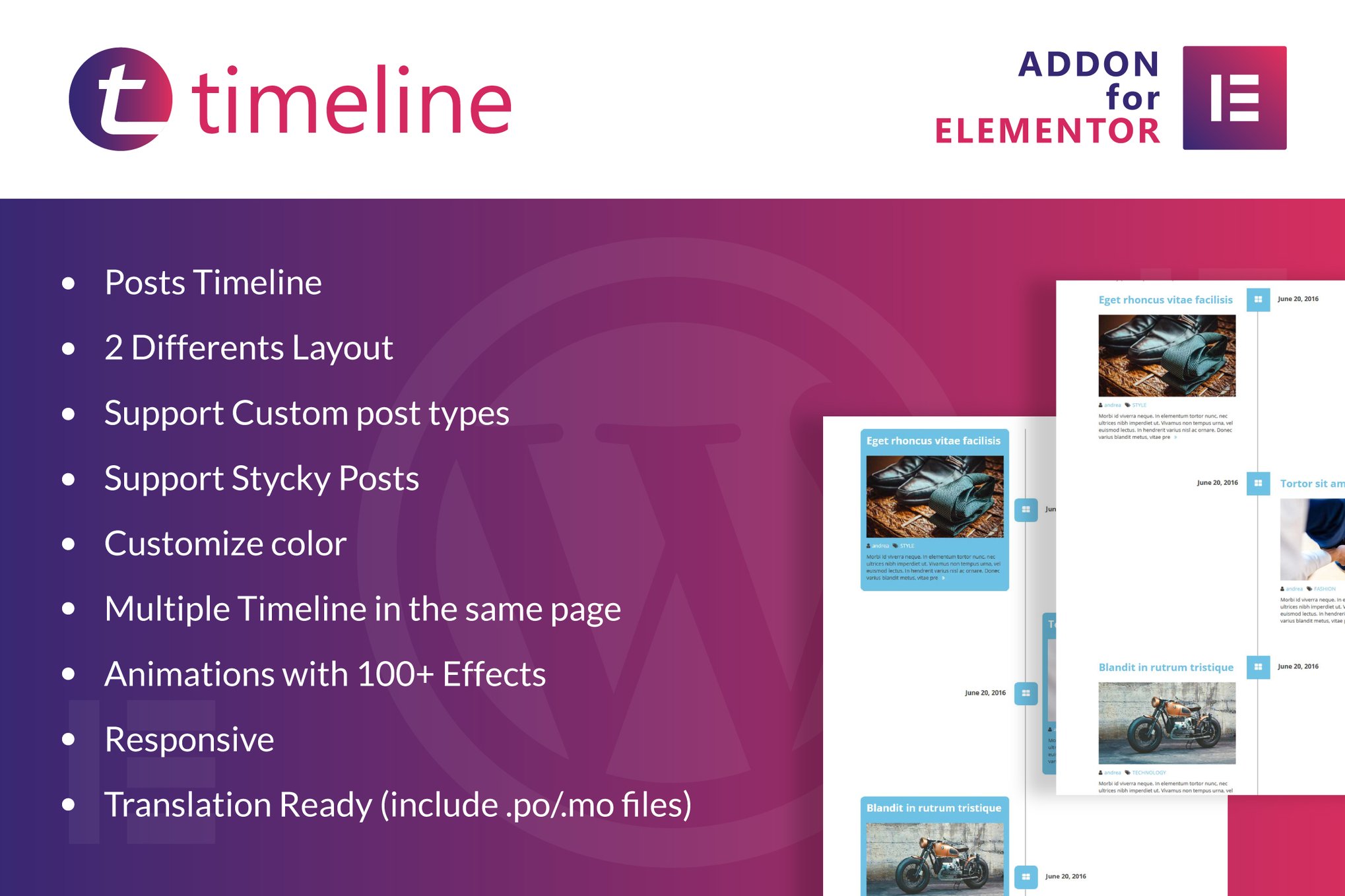
PluginUpdated
Timeline for Elementor WordPress Plugin
Timeline for Elementor WordPress Plugin is an Elementor addon for creating post timelines on WordPress pages.
Product facts
- Version
- 1.0
- Released
- 2 May 2023
- Type
- Plugin
- Licence
- GPL
- Included in
- Every plan, or $3.99 on its own
Overview
Chronological content can be easier to follow when it is presented as a timeline. This plugin adds a timeline widget to Elementor, where site creators can use drag-and-drop controls to place and customize post timelines on a page. It works for stories such as a company history, project milestones, a personal journey, or a collection of posts.
The plugin supports custom post types and sticky posts, giving you control over which content appears and which entries receive emphasis. You can add multiple timelines to the same page, choose between two layouts, adjust colors, and apply animation effects. Responsive design and translation readiness also suit sites serving visitors on different devices or in multiple languages.
Features
- Elementor timeline widget: Add post timelines to pages through an Elementor widget, then use drag-and-drop controls to arrange and customize the presentation.
- Two timeline layouts: Choose between two layouts to present chronological posts in a format that fits the page and its content.
- Custom post types: Build timelines from custom post types, allowing content beyond standard posts to appear in chronological order.
- Sticky post support: Include sticky posts in a timeline to give selected entries a prominent place among the chronological content.
- Multiple page timelines: Place multiple timelines on the same page to present separate chronological collections together.
- Animation and color options: Choose from more than 100 animation effects and customize timeline colors to suit the site's visual design.
- Responsive and translation ready: Timelines are designed for desktop, tablet, and mobile screens, and translation files support multilingual sites.
Best for
- Business history and milestone pages
- Blogs and journalism sites
- Historical and personal journey websites
FAQ
Is Timeline for Elementor WordPress Plugin free?
The code of Timeline for Elementor WordPress Plugin is licensed under the GPL, so anyone may use, change and share it. GPL 247 is a paid service: a plan or a purchase of Timeline for Elementor WordPress Plugin gives you the download and its updates. The developer's own support, licence key and online services are not included.
Which version of Timeline for Elementor WordPress Plugin is this?
Version 1.0, released 2 May 2023. New versions appear here when the developer publishes them.
How do I update Timeline for Elementor WordPress Plugin?
Install GPL 247 Updater on your site and paste your key from My Account. It installs new versions of Timeline for Elementor WordPress Plugin for you.
You might also like
Plugin Plugin
 Plugin
 Plugin
 Plugin
 Plugin
 Plugin
 Plugin