
 Plugin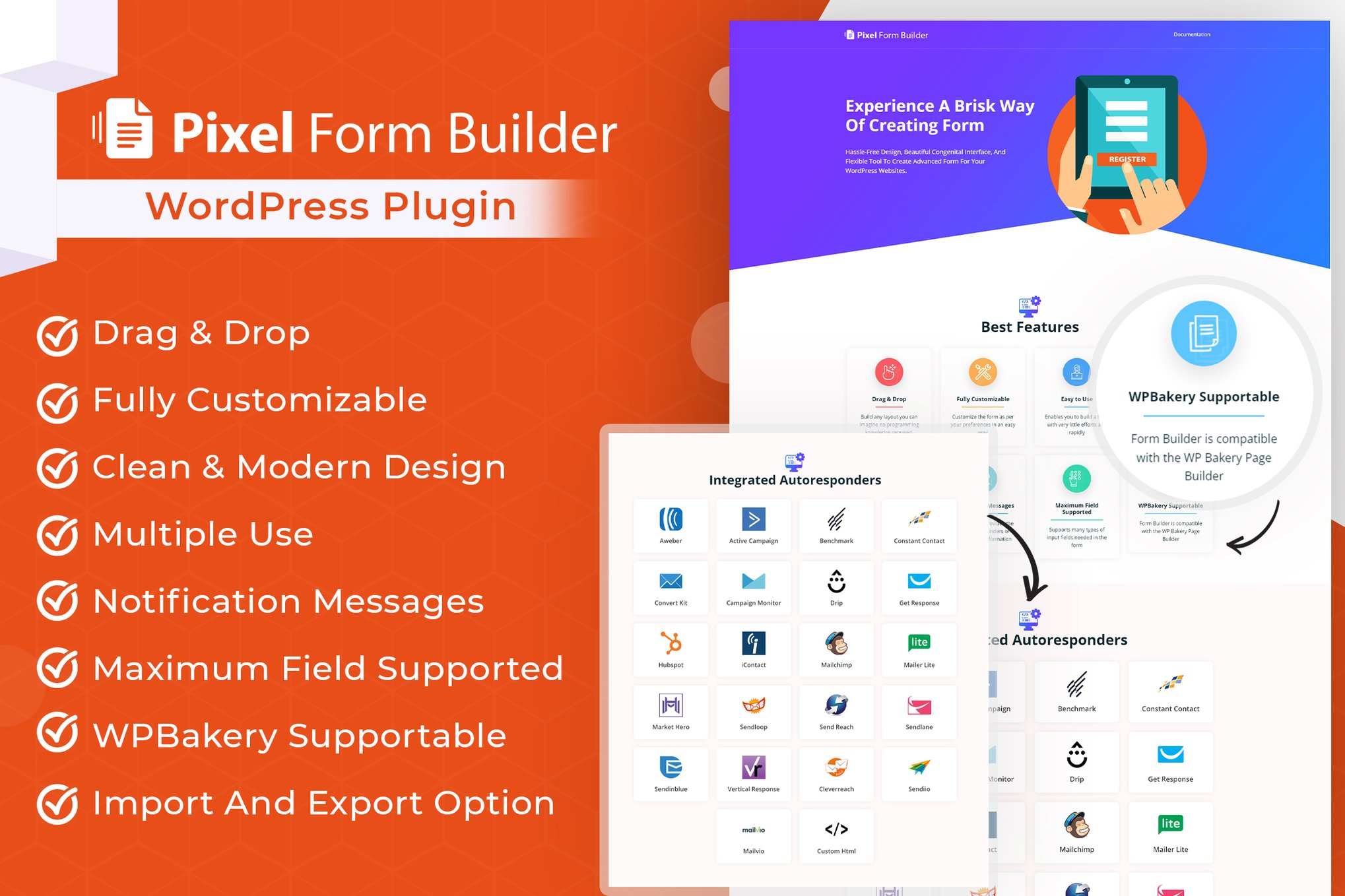
PluginUpdated
Pixel WordPress Form BuilderPlugin & Autoresponder
Pixel WordPress Form BuilderPlugin & Autoresponder is a WordPress plugin for building custom forms and automating email responses.
Product facts
- Version
- 1.0.2
- Released
- 26 August 2026
- Type
- Plugin
- Licence
- GPL
- Included in
- Every plan, or $3.99 on its own
Overview
Build forms for common tasks such as collecting contact details, gathering feedback, and inviting visitors to subscribe. The drag-and-drop editor lets you arrange form fields and customize layouts, colors, and fonts to fit your site. You can create forms without coding, then clone an existing form when you need a variation.
Connect forms to autoresponder services, including Mailchimp, Aweber, ConvertKit, and HubSpot, to automate email responses and manage subscriber lists. Submitted information can be managed in the WordPress dashboard. Import and export options let you reuse forms across projects, while responsive layouts support desktop, tablet, and mobile screens.
Features
- Drag-and-drop form editor: Arrange form elements with a visual drag-and-drop interface. Build contact, subscription, feedback, or custom forms without writing code.
- Custom form styling: Adjust fields, layouts, colors, and fonts to align forms with your website’s design.
- Autoresponder connections: Connect forms with services such as Mailchimp, Aweber, ConvertKit, and HubSpot to automate email responses and manage subscriber lists.
- Submission management: Access and manage submitted form information from the WordPress dashboard using the plugin’s user database management tools.
- Import and export forms: Import existing forms or export custom forms for reuse across different projects or sites.
- Clone existing forms: Duplicate a form to create a variation without building it again from the start.
- Responsive form layouts: Forms are designed to display across desktop, tablet, and mobile screens, including high-resolution screens.
Best for
- WordPress sites collecting contact inquiries
- Businesses managing subscription forms
- Developers building feedback forms for clients
FAQ
Is Pixel WordPress Form BuilderPlugin & Autoresponder free?
The code of Pixel WordPress Form BuilderPlugin & Autoresponder is licensed under the GPL, so anyone may use, change and share it. GPL 247 is a paid service: a plan or a purchase of Pixel WordPress Form BuilderPlugin & Autoresponder gives you the download and its updates. The developer's own support, licence key and online services are not included.
Which version of Pixel WordPress Form BuilderPlugin & Autoresponder is this?
Version 1.0.2, released 26 August 2026. New versions appear here when the developer publishes them.
How do I update Pixel WordPress Form BuilderPlugin & Autoresponder?
Install GPL 247 Updater on your site and paste your key from My Account. It installs new versions of Pixel WordPress Form BuilderPlugin & Autoresponder for you.
You might also like
Plugin Plugin
 Plugin
 Plugin
 Plugin
 Plugin
 Plugin
 Plugin