
 Plugin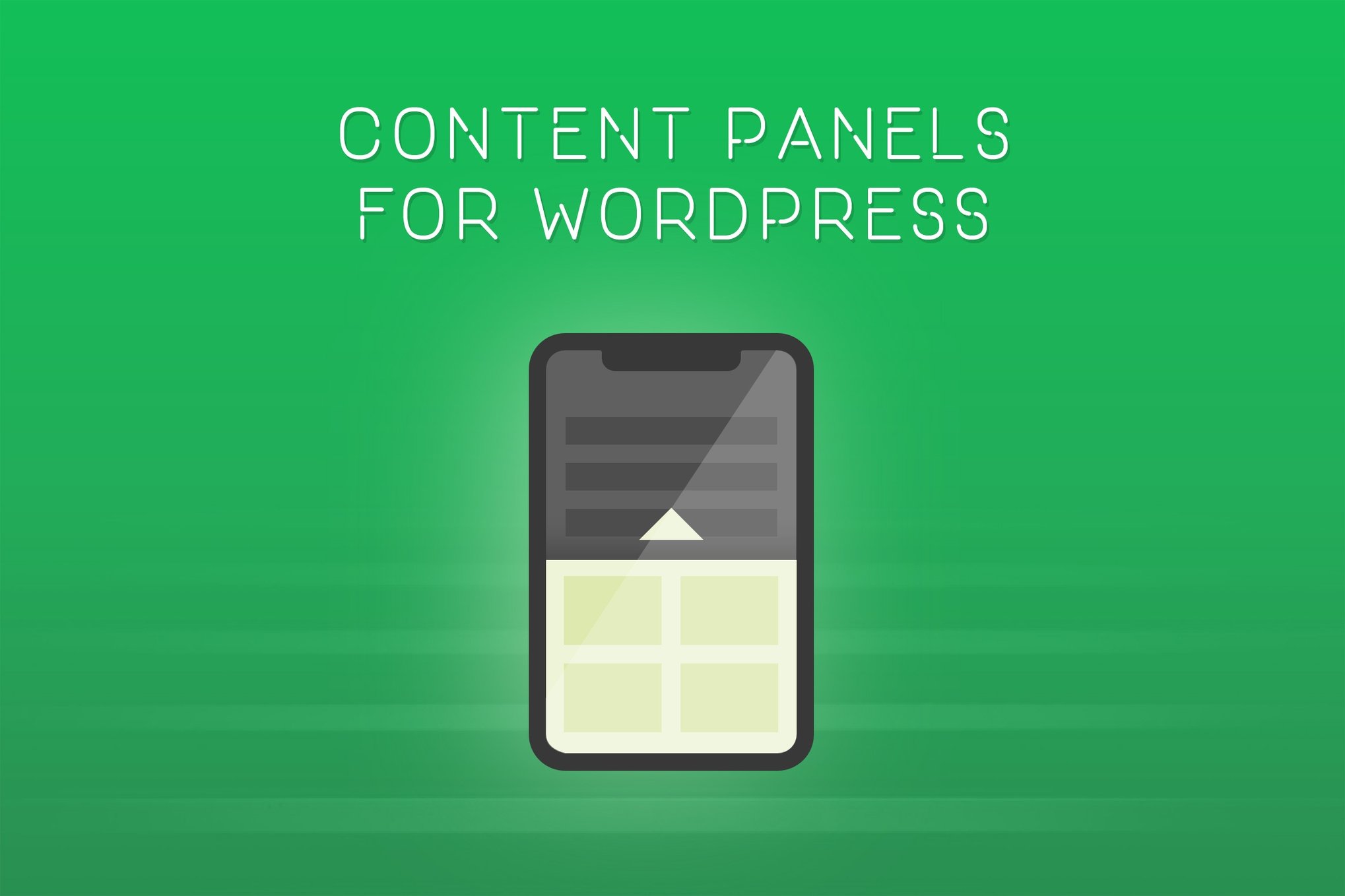
PluginUpdated
Nest - Flyout Sliding Panels for WordPress
Nest - Flyout Sliding Panels for WordPress is a plugin for site owners who want to make content available in sliding panels.
Product facts
- Version
- 2.2
- Released
- 2 May 2023
- Type
- Plugin
- Licence
- GPL
- Included in
- Every plan, or $3.99 on its own
Overview
When a page needs to include extra content, adding it directly to the main layout can make the page feel crowded. Nest provides sliding panels for content such as text, images, videos, forms, embeds, and shortcodes. Visitors can access that material in a panel, while the main page stays focused on its primary content.
Set up panels for the whole site or tailor them to individual posts and pages. Each panel can have its own size, colors, position, animation speed, scrollbar styling, and background. Use a solid color, an image, or a pattern, and include content such as a mailing list, product announcement, or event notice.
Features
- Display varied content: Add text, images, videos, forms, embeds, and shortcodes to panels, making room for different kinds of site content.
- Style each panel: Adjust panel width, height, colors, position, animation speed, and scrollbar styling to suit the page design.
- Choose panel backgrounds: Set a solid color, use an uploaded full-size image, or apply a pattern as a panel background.
- Set panel visibility: Create panels that appear across the site or configure panels for specific posts and pages.
- Add site announcements: Place contact forms, mailing lists, product announcements, or event notifications in panels alongside existing page content.
Best for
- WordPress sites with crowded page layouts
- Online stores sharing product announcements
- Organizations displaying event information
Changelog
Version 2.2
- Improved Added option to display a close icon instead of mouse cursor when hovering the background overlay.
FAQ
Is Nest - Flyout Sliding Panels for WordPress free?
The code of Nest - Flyout Sliding Panels for WordPress is licensed under the GPL, so anyone may use, change and share it. GPL 247 is a paid service: a plan or a purchase of Nest - Flyout Sliding Panels for WordPress gives you the download and its updates. The developer's own support, licence key and online services are not included.
Which version of Nest - Flyout Sliding Panels for WordPress is this?
Version 2.2, released 2 May 2023. New versions appear here when the developer publishes them.
How do I update Nest - Flyout Sliding Panels for WordPress?
Install GPL 247 Updater on your site and paste your key from My Account. It installs new versions of Nest - Flyout Sliding Panels for WordPress for you.
You might also like
Plugin Plugin
 Plugin
 Plugin
 Plugin
 Plugin
 Plugin
 Plugin