
 Plugin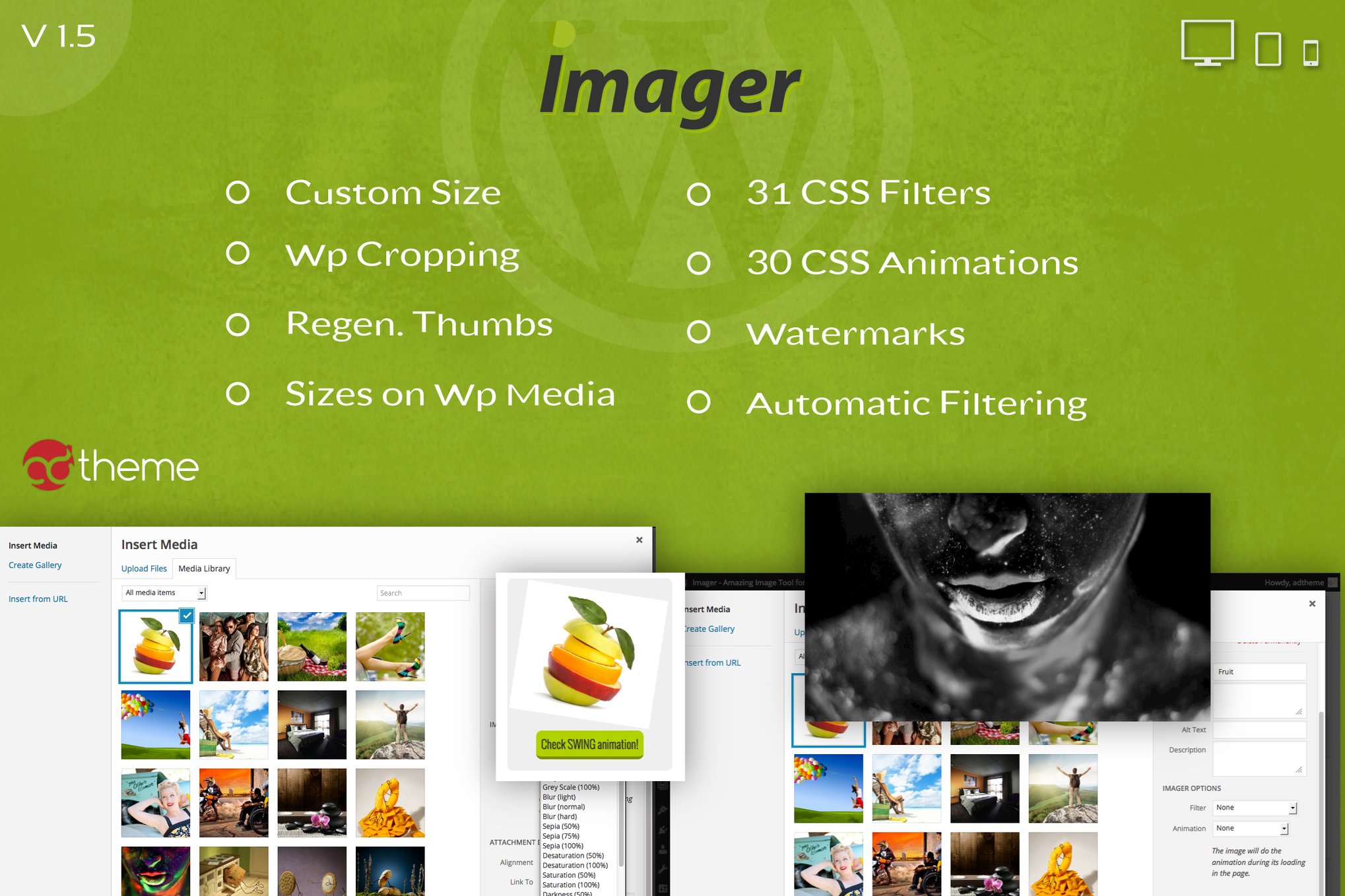
PluginUpdated
Imager – Amazing Image Tool for WordPress
Imager – Amazing Image Tool for WordPress is a WordPress plugin for managing and styling images in the Media Library.
Product facts
- Version
- 1.5
- Released
- 2 May 2023
- Type
- Plugin
- Licence
- GPL
- Included in
- Every plan, or $3.99 on its own
Overview
Imager gives site owners tools to shape how images appear across their WordPress sites. Create custom image sizes for different layouts, crop images to specific dimensions, and regenerate thumbnails when existing images need to match updated sizes. These controls help bloggers, businesses, designers, and developers manage image presentation without moving between WordPress and an external editor.
The plugin places image customization options in WordPress's native Add Media editor. Apply CSS filters manually or automatically, remove filters when a visitor moves the pointer over an image, and add animations to thumbnails. Watermark graphics can also be managed through the plugin. Custom image sizes can be saved to retain them through WordPress core or theme updates.
Features
- Custom image sizes: Create unlimited custom image sizes for your site's layouts, then save those sizes so they remain available through WordPress core or theme updates.
- Thumbnail regeneration: Regenerate existing thumbnails automatically or manually to bring images in the Media Library in line with your selected sizes.
- Image cropping: Crop images to custom dimensions with the plugin's WordPress cropping controls, shaping each visual to fit the intended presentation.
- CSS filters: Choose from 31 CSS filters, including grayscale, blur, and sepia, and apply them manually or automatically to images.
- Hover filter control: Set filters to disappear when a visitor moves the pointer over an image, creating an interactive change in its appearance.
- Watermark graphics: Add your own watermark graphics to images and manage watermark settings centrally through the plugin.
- Thumbnail animations: Apply more than 30 built-in CSS animation styles to thumbnails to add motion to images on your site.
- Media Library controls: Access image customization options directly in WordPress's native Add Media editor while working with media on your site.
Best for
- WordPress blogs with image-rich posts
- Photographers managing images on WordPress
- Businesses and designers customizing site visuals
Changelog
Version 1.5 — 12 March 2014
- Fixed Cleaned code to a better plugin performance.
- New Custom Watermark on the images (really attached on image, not overlayed).
- New Global and automatic filters for all images.
- New Disable filtering option on Mouse Over.
FAQ
Is Imager – Amazing Image Tool for WordPress free?
The code of Imager – Amazing Image Tool for WordPress is licensed under the GPL, so anyone may use, change and share it. GPL 247 is a paid service: a plan or a purchase of Imager – Amazing Image Tool for WordPress gives you the download and its updates. The developer's own support, licence key and online services are not included.
Which version of Imager – Amazing Image Tool for WordPress is this?
Version 1.5, released 2 May 2023. New versions appear here when the developer publishes them.
How do I update Imager – Amazing Image Tool for WordPress?
Install GPL 247 Updater on your site and paste your key from My Account. It installs new versions of Imager – Amazing Image Tool for WordPress for you.
You might also like
Plugin Plugin
 Plugin
 Plugin
 Plugin
 Plugin
 Plugin
 Plugin