
 Plugin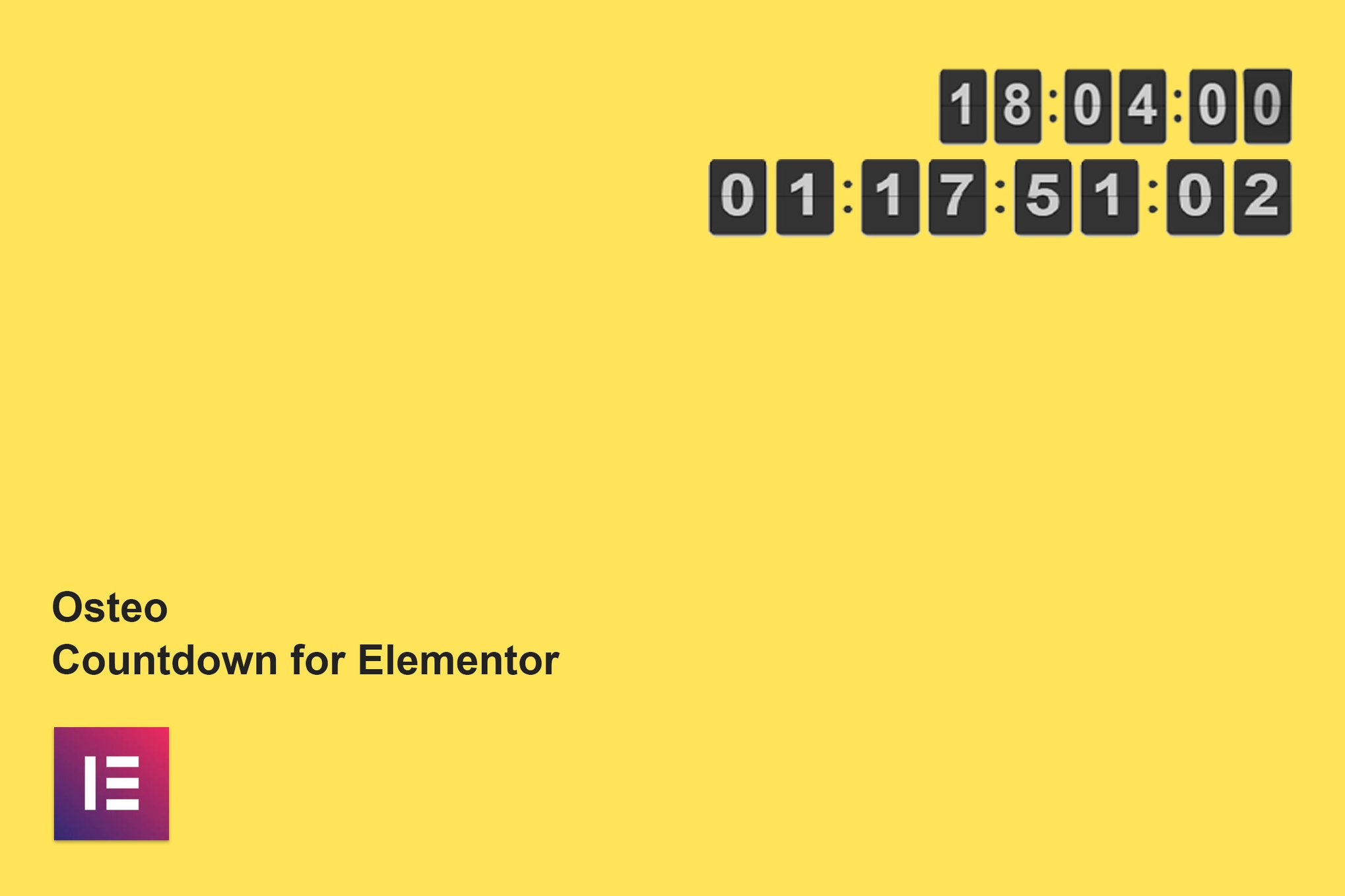
PluginUpdated
Osteo Countdown for Elementor
Osteo Countdown for Elementor is a WordPress plugin for adding countdown timers to pages built with Elementor.
Product facts
- Version
- 1.0.0
- Released
- 2 May 2023
- Type
- Plugin
- Licence
- GPL
- Included in
- Every plan, or $3.99 on its own
Overview
Countdown timers give visitors a clear view of the time remaining before an event, product launch, sales deadline, or promotion. Osteo Countdown for Elementor lets you add these timers to Elementor pages, with a choice of flip clock and final countdown styles.
Adjust the timer’s time format to use a 12-hour or 24-hour clock, and customize its typography with Google Fonts. The plugin is designed for responsive display and is translation-ready, making it a fit for Elementor sites that need timers for different audiences and occasions.
Features
- Two timer styles: Choose a flip clock or final countdown style to present the time remaining for an event, launch, deadline, or promotion.
- 12-hour or 24-hour format: Set the timer to use a 12-hour or 24-hour clock format to match your site’s time preferences.
- Google Fonts support: Customize timer typography with Google Fonts so its text can match the visual style of your Elementor page.
- Responsive display: The countdown timer uses a responsive design for display across desktops, tablets, and smartphones.
- Translation-ready: The plugin includes a POT file for localizing its countdown timers for audiences in different languages.
Best for
- Elementor sites promoting events
- WordPress product launch pages
- Sites with time-limited promotions
FAQ
Is Osteo Countdown for Elementor free?
The code of Osteo Countdown for Elementor is licensed under the GPL, so anyone may use, change and share it. GPL 247 is a paid service: a plan or a purchase of Osteo Countdown for Elementor gives you the download and its updates. The developer's own support, licence key and online services are not included.
Which version of Osteo Countdown for Elementor is this?
Version 1.0.0, released 2 May 2023. New versions appear here when the developer publishes them.
How do I update Osteo Countdown for Elementor?
Install GPL 247 Updater on your site and paste your key from My Account. It installs new versions of Osteo Countdown for Elementor for you.
You might also like
Plugin Plugin
 Plugin
 Plugin
 Plugin
 Plugin
 Plugin
 Plugin