
 Plugin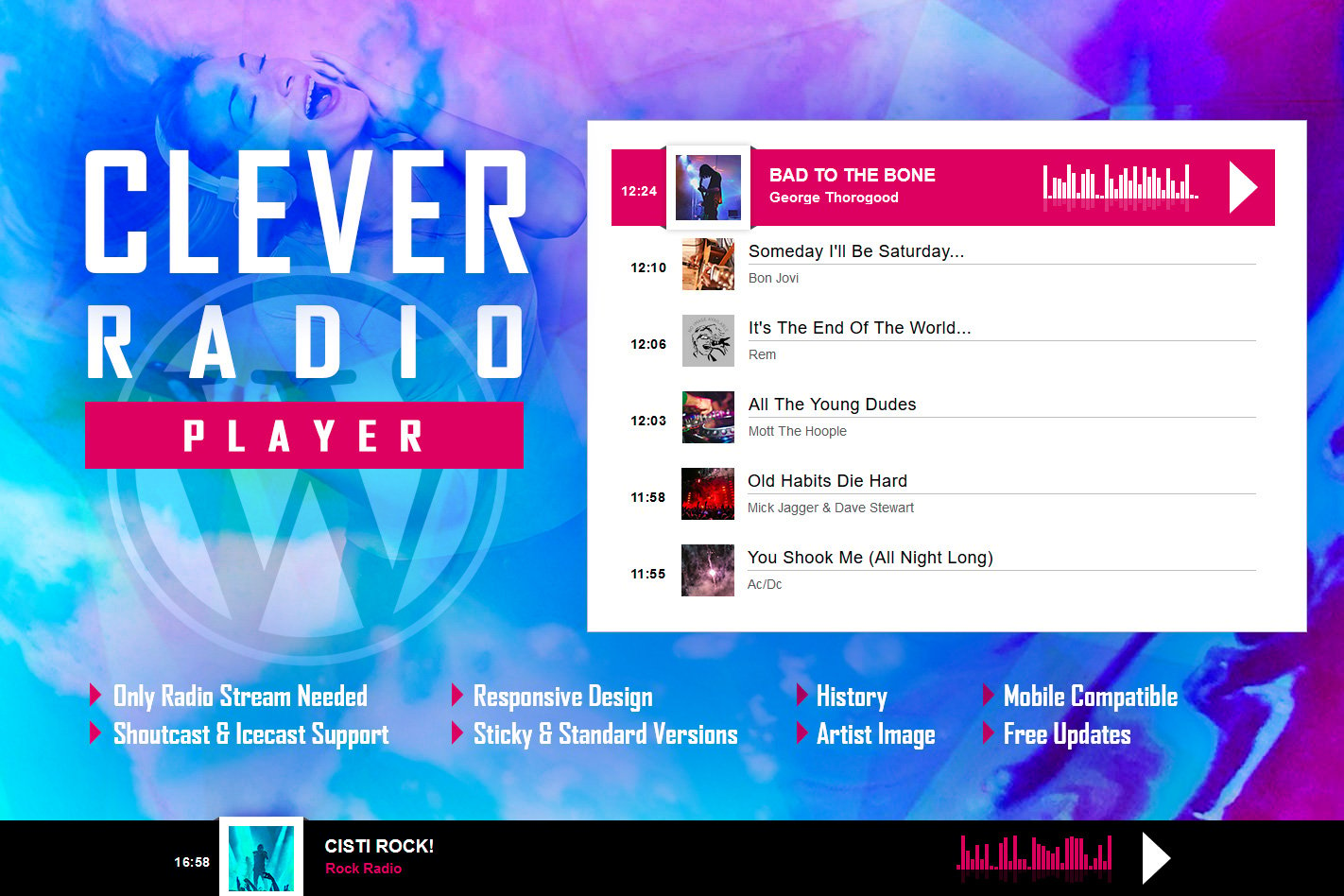
PluginUpdated
CLEVER - HTML5 Radio Player With History Plugin
CLEVER - HTML5 Radio Player With History Plugin is a WordPress plugin for adding an HTML5 radio player to a website.
Product facts
- Version
- 2.6.2
- Released
- 13 April 2026
- Type
- Plugin
- Licence
- GPL
- Included in
- Every plan, or $3.99 on its own
Overview
Online radio sites need a player that gives visitors access to the stream and useful track information. CLEVER embeds a radio player in a WordPress site and can display the current song and artist image. Its history feature lets listeners look back at tracks that have already played, which suits radio stations, music blogs, and niche streaming services.
The player supports MP3 streams and AAC streams in compatible browsers. Site owners can adjust colors, layout, fonts, and behavior using more than 35 parameters, and choose a full-width display that fits its parent element. Its responsive layout adapts to different screen sizes, with an option to turn off responsive behavior for non-responsive sites or custom designs.
Features
- Shoutcast and Icecast streams: Add Shoutcast or Icecast radio streams to a WordPress site. The player supports MP3 streams and AAC streams in compatible browsers.
- Current track details: Display the current song title and artist image so listeners can see details about what is playing.
- Played-track history: Give listeners a history of previously played tracks, letting them review songs from earlier in the broadcast.
- Player appearance controls: Use more than 35 adjustable parameters to customize the player’s colors, layout, fonts, and behavior.
- Responsive layout: Let the player adapt to different screen sizes, or disable responsive behavior for a non-responsive site or custom design.
- Full-width display: Set the player to expand across the full width of its parent element to fit the surrounding website layout.
Best for
- Online radio stations
- Music blogs
- Niche streaming services
FAQ
Is CLEVER - HTML5 Radio Player With History Plugin free?
The code of CLEVER - HTML5 Radio Player With History Plugin is licensed under the GPL, so anyone may use, change and share it. GPL 247 is a paid service: a plan or a purchase of CLEVER - HTML5 Radio Player With History Plugin gives you the download and its updates. The developer's own support, licence key and online services are not included.
Which version of CLEVER - HTML5 Radio Player With History Plugin is this?
Version 2.6.2, released 13 April 2026. New versions appear here when the developer publishes them.
How do I update CLEVER - HTML5 Radio Player With History Plugin?
Install GPL 247 Updater on your site and paste your key from My Account. It installs new versions of CLEVER - HTML5 Radio Player With History Plugin for you.
You might also like
Plugin Plugin
 Plugin
 Plugin
 Plugin
 Plugin
 Plugin
 Plugin