
 Plugin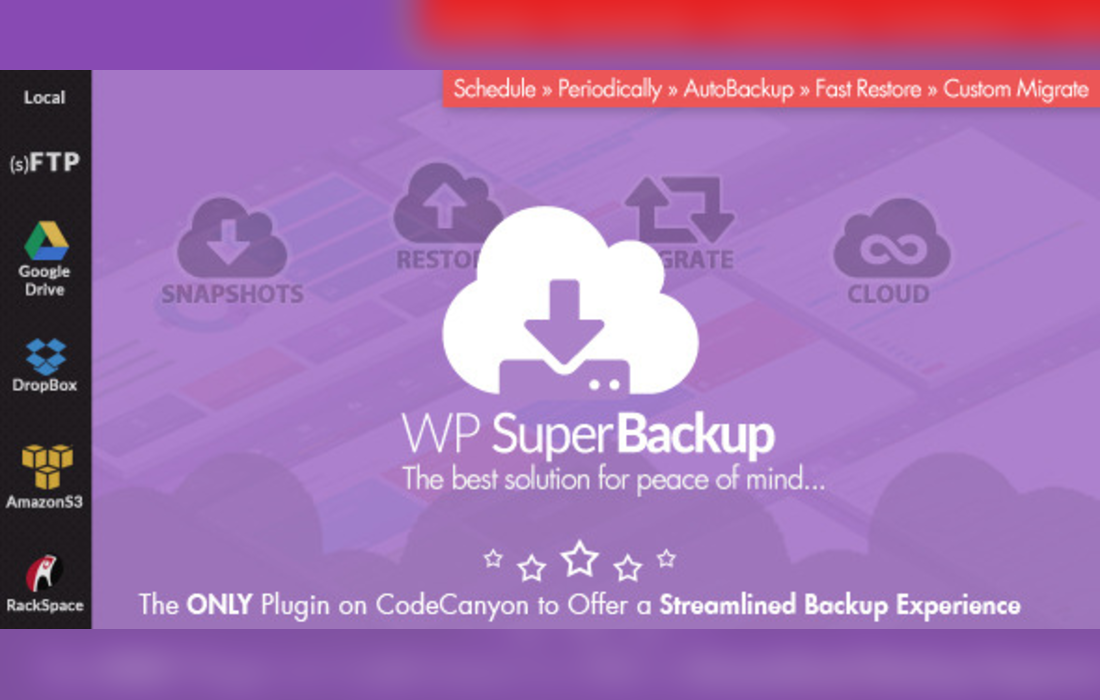
PluginUpdated
Super Backup & Clone - Migrate for WordPress
Super Backup & Clone - Migrate for WordPress is a WordPress plugin by WP Indeed for backing up, restoring, cloning, and migrating sites.
Product facts
- Version
- 2.4
- Released
- 24 October 2026
- Type
- Plugin
- Licence
- GPL
- Included in
- Every plan, or $3.99 on its own
Overview
The plugin creates snapshots of themes, plugins, uploads, and database tables, with a log of each snapshot. Site owners can use these backups to restore a WordPress site, or select parts of the site to include in a backup. A dashboard shows the size of each site component and when the last backup ran, giving administrators a view of backup activity and storage distribution.
For development and testing, the plugin can clone a site for use in a staging or development environment. It can also move a WordPress site to a new domain or server. Backups can be sent to cloud destinations for offsite storage, and scheduled backups can run automatically. These tools suit site owners, developers, and administrators who need backup, restore, cloning, or migration functions in one plugin.
Features
- Site snapshots: Create snapshots that include themes, plugins, uploads, and database tables, with a log of every snapshot taken.
- Site restoration: Restore a WordPress site from a snapshot in a few clicks, using a saved copy of its site components.
- Site cloning: Clone a site for testing, development, or staging without making changes to the live site.
- Domain and server migration: Move a WordPress site to a new domain or server while preserving its content, settings, and configurations.
- Cloud backup destinations: Send backups to cloud destinations for offsite storage, keeping backup copies separate from the WordPress site.
- Backup dashboard: View the size of each part of the site and see when the last backup ran from the plugin dashboard.
- Scheduled backups: Set backup schedules so the plugin can create backups automatically, without requiring each run to be started manually.
Best for
- WordPress site owners managing backups
- Developers preparing test or staging sites
- Administrators moving sites between servers
Changelog
Version 2.4 — 10 December 2024
- Improved Compatibility with WordPress v.6.7+
- Improved Security & Vulnerability
FAQ
Is Super Backup & Clone - Migrate for WordPress free?
The code of Super Backup & Clone - Migrate for WordPress is licensed under the GPL, so anyone may use, change and share it. GPL 247 is a paid service: a plan or a purchase of Super Backup & Clone - Migrate for WordPress gives you the download and its updates. The developer's own support, licence key and online services are not included.
Which version of Super Backup & Clone - Migrate for WordPress is this?
Version 2.4, released 24 October 2026. New versions appear here when the developer publishes them.
How do I update Super Backup & Clone - Migrate for WordPress?
Install GPL 247 Updater on your site and paste your key from My Account. It installs new versions of Super Backup & Clone - Migrate for WordPress for you.
You might also like
Plugin Plugin
 Plugin
 Plugin
 Plugin
 Plugin
 Plugin
 Plugin