
 Plugin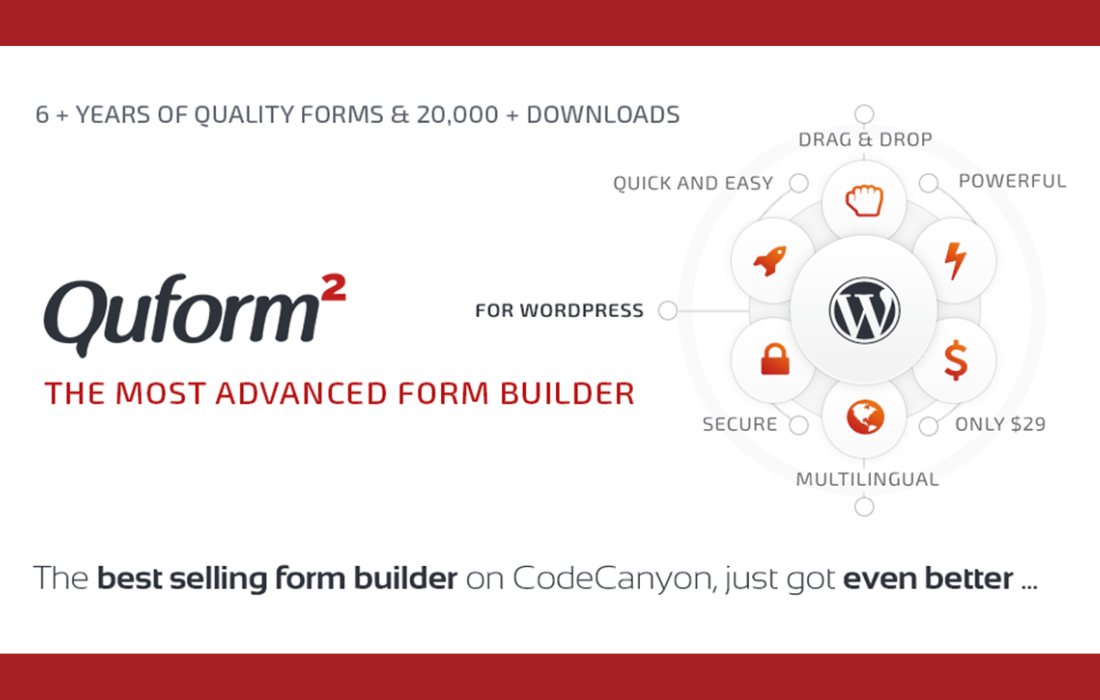
PluginUpdated
Quform - WordPress Form Builder
Quform - WordPress Form Builder is a WordPress plugin by ThemeCatcher for creating forms without writing code.
Product facts
- Version
- 2.23.1
- Released
- 24 June 2026
- Type
- Plugin
- Licence
- GPL
- Included in
- Every plan, or $4.79 on its own
Overview
Building a form can involve more than collecting a name and email address. Quform gives WordPress site owners a visual way to create forms with a range of input fields, including checkboxes, radio buttons, and file uploads. Start with a pre-built template or arrange form elements with the drag-and-drop builder, then customize the form to suit the information you need to collect.
For longer forms, Quform can divide questions across multiple pages and display a progress bar. Conditional logic can show or hide fields based on a visitor's selections. Forms can also use responsive layouts, spam protection with captcha integration, and customizable emails for users and site administrators. Entry data can be exported in CSV format for review and record-keeping.
Features
- Drag-and-drop builder: Arrange form elements in a visual builder to create and customize forms without writing code.
- Pre-built templates: Choose from pre-built form templates as a starting point for contact forms, surveys, and other form types.
- Flexible field types: Collect information with fields such as checkboxes, radio buttons, and file uploads.
- Conditional fields: Use conditional logic to show or hide fields according to a visitor's selections.
- Multi-page forms: Divide longer forms into multiple pages and show a progress bar as visitors move through them.
- Submission emails: Send customizable email notifications and auto-responses to users and administrators after a form submission.
- CSV entry export: Export submitted form entries as CSV files for analysis and record-keeping.
Best for
- WordPress sites with contact forms
- Sites collecting survey responses
- Businesses using multi-page forms
Changelog
Version 2.23.1 — 22 June 2026
- New Switched to a modern drag and drop library with touch support
- Security Hardened file upload security
FAQ
Is Quform - WordPress Form Builder free?
The code of Quform - WordPress Form Builder is licensed under the GPL, so anyone may use, change and share it. GPL 247 is a paid service: a plan or a purchase of Quform - WordPress Form Builder gives you the download and its updates. The developer's own support, licence key and online services are not included.
Which version of Quform - WordPress Form Builder is this?
Version 2.23.1, released 24 June 2026. New versions appear here when the developer publishes them.
How do I update Quform - WordPress Form Builder?
Install GPL 247 Updater on your site and paste your key from My Account. It installs new versions of Quform - WordPress Form Builder for you.
You might also like
Plugin Plugin
 Plugin
 Plugin
 Plugin
 Plugin
 Plugin
 Plugin