
 Plugin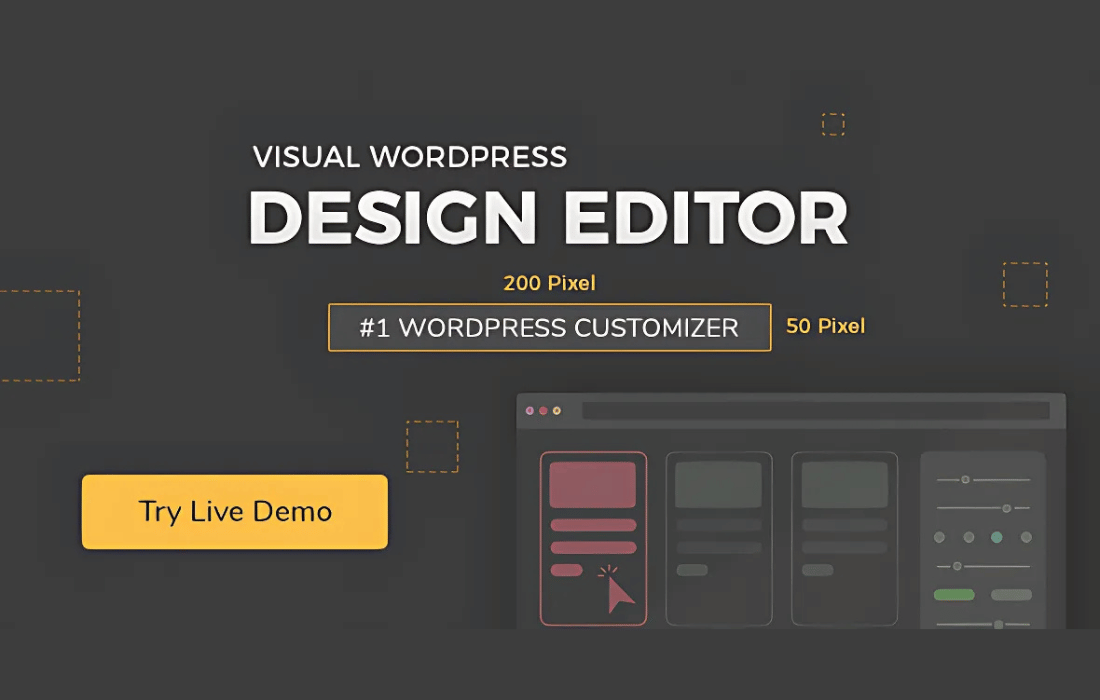
PluginUpdated
YellowPencil: Visual CSS Style Editor
YellowPencil: Visual CSS Style Editor is a WordPress plugin by WaspThemes for changing a site's appearance through a visual editor.
Product facts
- Version
- 7.6.7
- Released
- 7 July 2025
- Type
- Plugin
- Licence
- GPL
- Included in
- Every plan, or $3.99 on its own
Overview
YellowPencil: Visual CSS Style Editor gives site owners a point-and-click way to change the appearance of their WordPress site. Select an element on the page, then adjust its styling in the visual editor and preview the results as you work. The editor provides controls for fonts, colors, backgrounds, borders, margins, padding, and layouts, so you can make targeted changes without manually writing CSS.
The plugin also provides control for styling elements across desktop, tablet, and smartphone layouts. Advanced selectors let you target HTML elements, classes, or IDs, while the editor displays and can export the CSS it generates. You can use undo, redo, and history tools as you experiment, and add animation effects to page elements. It suits site owners who want visual control and developers who want access to generated CSS.
Features
- Visual page editing: Select elements directly on your website and adjust their styles through a point-and-click visual editor with changes shown as you work.
- Flexible style controls: Adjust fonts, colors, backgrounds, borders, shadows, margins, and padding to shape the appearance of page elements.
- Responsive style controls: Set styling for desktop, tablet, and smartphone layouts to adjust how the site appears across those screen types.
- Precise element selectors: Target HTML elements, classes, and IDs with advanced selector support when you need to apply styles to specific parts of a page.
- CSS output access: View and export the CSS generated by your visual edits, giving developers access to the code behind their styling changes.
- Undo and history: Use undo, redo, and history management to review changes and reverse styling adjustments while working on a design.
Best for
- WordPress site owners refining page styles
- Developers who want visual CSS editing
- Agencies customizing client websites
Changelog
Version 7.6.7
- Fixed A few minor bugs.
Earlier versions
- 7.6.5: 1 fixed
- 7.6.4: 1 fixed
- 7.6.1: 1 fixed
FAQ
Is YellowPencil: Visual CSS Style Editor free?
The code of YellowPencil: Visual CSS Style Editor is licensed under the GPL, so anyone may use, change and share it. GPL 247 is a paid service: a plan or a purchase of YellowPencil: Visual CSS Style Editor gives you the download and its updates. The developer's own support, licence key and online services are not included.
Which version of YellowPencil: Visual CSS Style Editor is this?
Version 7.6.7, released 7 July 2025. New versions appear here when the developer publishes them.
How do I update YellowPencil: Visual CSS Style Editor?
Install GPL 247 Updater on your site and paste your key from My Account. It installs new versions of YellowPencil: Visual CSS Style Editor for you.
You might also like
Plugin Plugin
 Plugin
 Plugin
 Plugin
 Plugin
 Plugin
 Plugin